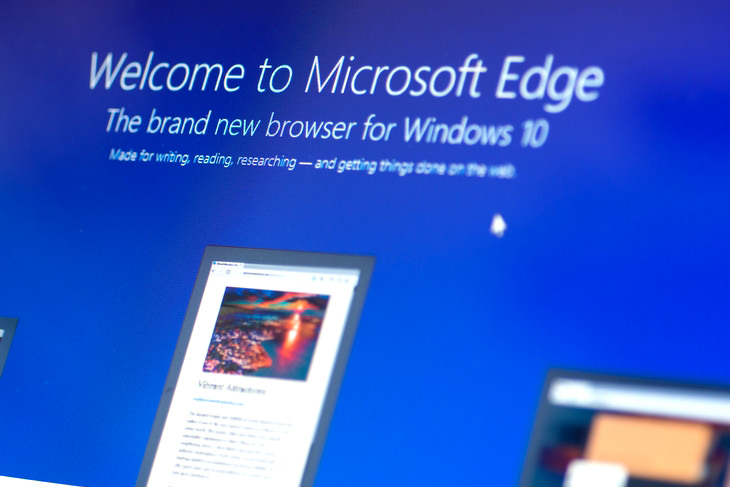
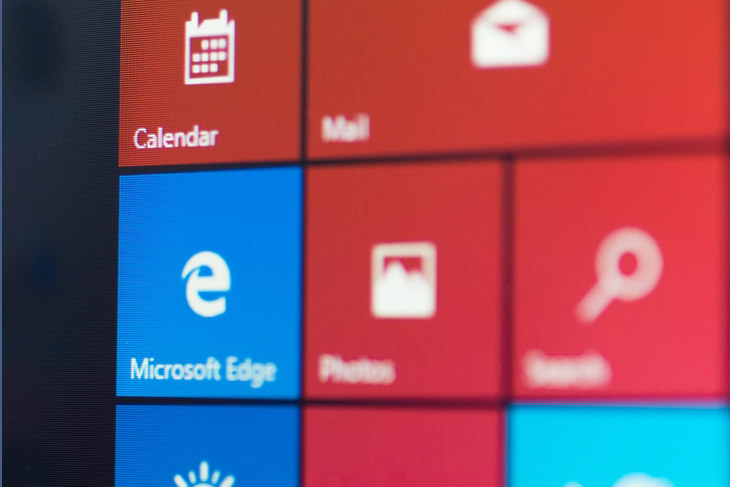
One of the first things you’ll notice after upgrading to Windows 10 is that the Internet Explorer web browser is missing. Windows 10 comes with a new browser called Edge, which Microsoft created to replace the unpopular Explorer. Edge is more reminiscent of Apple’s Safari web browser, and comes with the option to draw and write notes over web pages for future reference, or to share with friends and colleagues.
In addition, Windows 10 introduced Cortana – a computerized personal assistant. Cortana may remind you of the iPhone’s Siri, but is even more sophisticated, and is able to use voice commands to take memos, launch applications, call or text contacts, and more. Cortana’s system learns more about you as you use it, and can quickly become an indispensable tool.
If that’s not enough, your desktop itself will enjoy an interesting upgrade, which will allow you to create several virtual screens, allowing you to work on multiple applications and programs at once. Another option is to split your screen into 2 or 4 screens, allowing you to see all your windows on one screen.
It’s also important to mention that Windows 10 comes with a brand new Start Menu. It’s a combination of Windows 7’s Start Menu with Windows 8.1’s look. In terms of functionality, nothing was removed, so you can access all of your classic programs and apps just like before. If you wish to do so, you can customize your desktop.
So How Do I Upgrade?
It’s easy – simply click this link and follow the instructions on screen!
Images (including cover) by Deposit Photos.

How to Download Free Windows Software Securely – 7 Tools
Here’s how you can download free Windows software safely and securely.
17:20
Discover a Feature of Windows That's Super Helpful
Learn how to use some advanced new features of Windows 10 that you probably weren't aware of.
How to Easily Connect Your Laptop to Your TV!
Want to view your internet videos on your tv? No problem!
Guide: How to Take a Screenshot on ANY Device
This quick guide will help you take a screenshot on your on your Windows PC, Android device, Mac, iPhone, Chromebook, and more.
8 Common Netflix Problems and How to Solve Them
Trying to watch the latest Netflix show and encountering problems? Here's how to fix it.
Computer Guide: How to Format Your Computer - PC & Mac
how do we create a new computer from the old, formatting it and making it work like new? This guide will show you!
7 Clear Indicators Your Home Router Needs to Be Changed
Is your router in need of an upgrade? Watch out for these signs.
Busting 12 Password Myths to Safeguard Your Online Life
Don’t fall for these common password myths.
3:32
The Easy Way to Clean Your Computer's Keyboard
Cleaning a dirty keyboard is quite a straightforward task, as you're about to find out.
Learn How to Protect Yourself Using a Public Wi-Fi Network
Public Wi-Fi networks are incredibly convenient, but they're not always safe. Here are 10 ways of protecting yourself when using public Wi-Fi.
Firefox Just Got Better: 10 Handy Extensions You’ll Love
With the right add-ons, Firefox can become an indispensable browser that you'll rely on every day.
5 DIY Solutions to Better Organize Your Cords and Cables
Computer cables have an annoying tendency to tangle and create an unseemly mess. Here are some easy ways to prevent that.
Not Sure What to Watch Next? Try These 8 Helpful Sites
Not sure what to watch next? Try these helpful sites.
What Causes Laptop Batteries to Bulge Over Time?
These early warning signs can save your laptop's battery and prevent potentially dangerous situations.
How to Solve Windows 11's Most Annoying Errors
In this article, we’ll explain the frequent problems people run into on Windows 11 and walk through easy, no-fuss fixes.
5 Best Antiviruses in 2025 for Both PC and Mac
Below, we highlight five popular antivirus solutions for Windows PCs and five for Macs, featuring a mix of free and paid options.
This One Computer Key Is Used for a Myriad of Shortcuts!
The 'Win' key is usally thought to only bring up the start menu. It actually does a whole lot more. Get a load of these dozens of shortcuts!
5:23
Phone Security– The Fastest Way to Secure a Hacked Phone
This guide helps you in checking for hackers on your phone, removing them, and locking down your phone.
7:09
Struggling with Slow iPhone Internet? Try These Tips
iPhone running slow again? Here’s how you boost your speed…
Looking for an Instagram Alternative? Try These Platforms
If you’re ready to explore beyond Instagram, here are eight great alternatives.
15:24
15 Tech Hacks That Will Make Your Life Way Easier
These practical tips are designed to improve your daily tech experience.
Gemini 3: An AI Upgrade or a Warning of Things to Come?
A new AI version hitting the market is always the most successful, most surprising, and always overshadows its predecessors in every comparison metric - until the next version arrives and surpasses it.
Exploring the Web Beyond Google: 7 Handy Alternatives
Try some of these non-conventional search engines that you didn't know existed.
Your Computer Mouse Can Do Much More Than You Think...
Knowing how to use your mouse can make computing so much easier than you ever realized. Here are some great tips on how to maximize the use of your mouse, which will increase your overall productivity on the computer.
15:16
Get Smarter: How Do Hard Drives Work?
How do hard drives built and how do they work? All is explained in this video.
Top 5 Apps for Checking on Your Pet’s Health
These apps were selected based on their functionality, user reviews, and relevance to health monitoring, as highlighted by pet care and technology sources.
Why Fake Info is Best for These 6 Types of Sites
Always avoid giving your real information on these kinds of websites.
These 10 Keyboard Shortcuts Will Make Life Easy!
These keyboard shortcuts will help you learn the easiest ways to use your computer when your mouse is being less than cooperative!
43:39
AI News: What's Going On With AI This Week?
This week's AI news covers major releases and impressive demos.

12:58
25 iPhone Tips and Tricks Everyone Should Know
If you've never tried these before, prepare to be amazed by what your phone can actually do. Let's get started!
5 Awesome Google Chrome Settings You Aren’t Using
Google Chrome’s advanced settings have many useful features that will make your browsing experience so much better.
These Websites ONLY Share Positivity and Good Stories!
Say goodbye to negativity with these positive news platforms.

What We Can Learn from ChatGPT About Being Human
What can we learn from ChatGPT about ourselves?
There's a keyboard Shortcut for Nearly Everything Here!
These shortcuts will cut down the time you waste fiddling about on the computer, and make you into something of an expert.

Can’t Connect to the Internet? Here’s What To Do
Not being able to connect to the internet is one of the most pestering things. This is why it might be happening and easy solution to fix it.
10 Free Ancestry Sites for Tracing Your Family History
Here are 10 of the best free ancestry sites that can help you uncover your family’s story.
Turn Off These 9 Android Settings. They Pose a Risk
Here are some Android settings that you should consider turning off to enhance your device’s performance.
9:43
Tired of Google Photos Storage Limits? Try These Solutions
Get more space in your Google Photos account with these useful hacks.
You Can Now Speak With ChatGPT on Your Whatsapp!
et’s explore what 1-800-ChatGPT offers, how to use it effectively, and why this innovation makes interacting with AI more seamless.
It’s Almost a Crime Not to Use These Free Nifty Websites
Check out 15 really useful websites. They are completely free to use!
Forget Chrome—Zen Browser Is the Upgrade You Need
If you’re tired of slow load times, constant battery drain, or a cluttered interface, Zen might be the browser you’ve been waiting for.
Privacy Settings You Should Change in Chrome Right Now
These Chrome settings should always be disabled.
17:20
Discover a Feature of Windows That's Super Helpful
Learn how to use some advanced new features of Windows 10 that you probably weren't aware of.
Making These Email Mistakes Comes Off As Rude or Annoying
When sending an email, the last thing you want is to come off as impolite or annoying. Here are 5 common email mistakes to avoid.
Computer Tips: All You Can Do With the CTRL/Control Key!
The control key has more uses than just copying and pasting. These are the 20 more useful keyboard shortcuts you can do with the control key.
7 Reasons Why Your Computer is Running Abnormally Slow
There are many things that could be slowing your computer down and you'll find 7 of them in this article. Take a look!
Losing Important Emails? Here’s How to Tidy Up Your Gmail
A helpful guide to setting up Gmail filters to prevent emails from getting lost or spam overflowing your inbox.
To enable your Ad-Free Subscription, please fill the fields below
Your subscription was successful, now you can enjoy an ad-free experience!! Note: To make sure you get no ads, please make sure to log in to your account. If you are logged in already, then refresh the page. The subscription can be cancelled at any time.