Sometimes you just have to complete a task that requires a computer - writing an email, or preparing a presentation for work - but just can’t seem to find a convenient moment to sit down at the computer and do it. Installing all the practical software in app form on your smartphone can be the perfect solution for moments like these. Being able to tick small tasks off your to-do list on the go can make things a whole lot easier. We compiled a list of 7 apps, some of which you’re probably familiar with, which are available for both Android and Apple devices and will help you do just that.
1. Microsoft Word
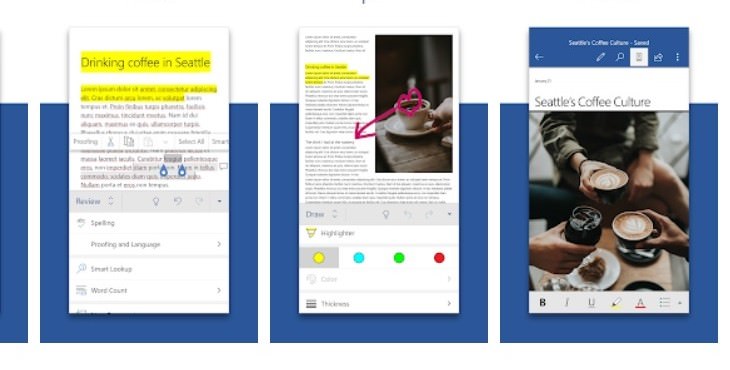
This is probably the most popular software turned app. Every time you need to type something, Word is probably your go-to, whether it's something for work, school, or personal. The Word app has all the functions you know adapted for smartphone use. Not only will it allow you to dive into work easily from everywhere, but it will also give you quick access to your files anytime you need it.
2. Microsoft Excel
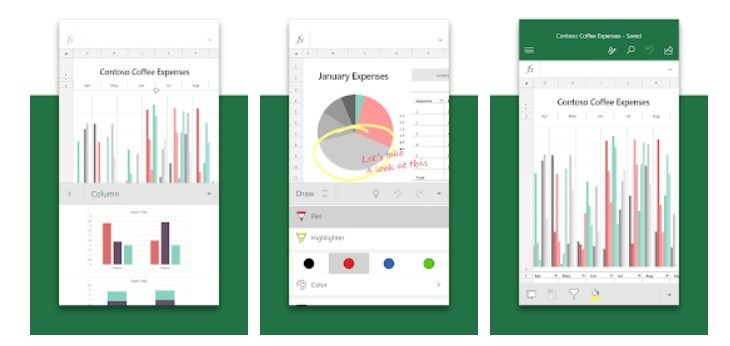
If you make frequent use of Microsoft Excel on your computer, consider downloading it to your smartphone and have your data and office with you on the go. It might prove extremely useful for those whose work is related to accounting, finances, or any other analytical role. The touch screen allows conveniences such as highlighting portions of your worksheet, creating shapes, or writing equations with the draw tab feature.
3. PowerPoint
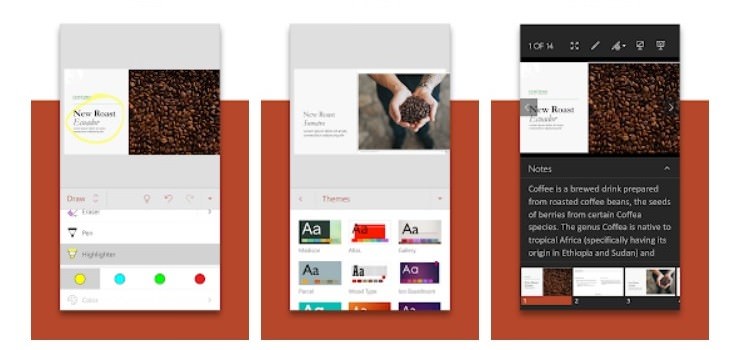
You need to put together a presentation for tomorrow but you’re afraid of not having enough free time to actually sit down and work on it? The PowerPoint mobile app might be what you need. You can build your presentation on your smartphone, and rest assured that the changes you’re making are being automatically saved on all your devices, so you can tweak it from your computer at a later time.
4. OneDrive
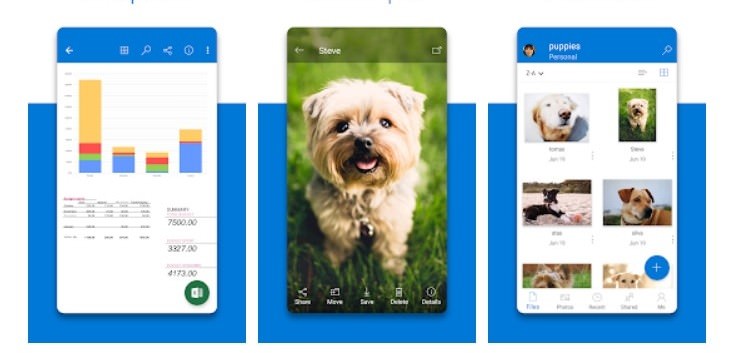
OneDrive is Microsoft’s equivalent to Google and Apple’s cloud services. Having it on your smartphone will allow you to back up your files (from Word, PowerPoint or Excel) and photos in one convenient accessible app. OneDrive also lets you view and share files, documents, and photos with friends and family, anywhere and anytime. Start with 5 GB of free cloud storage or upgrade to a Microsoft 365 subscription to get 1 TB of storage, if you need it.
5. Outlook
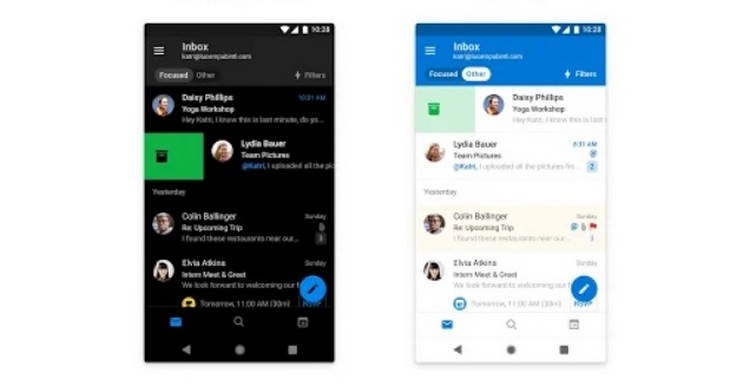
If you’re a long time outlook user, you know it is more than just an email app. It connects all your email accounts, calendars, and files in one convenient spot. With everything you need only a tap away, managing busy days will become easier than ever. Outlook for Android works with Gmail and Yahoo, while iOS users can access Facebook through Outlook as well.
6. Skype
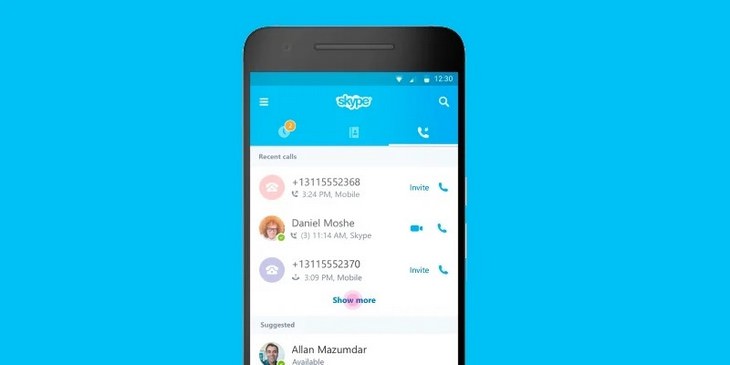
The need for social distancing to protect ourselves from the COVID-19 pandemic has made video chatting apps like Skype more relevant than ever. Having Skype installed on your phone will allow you to chat and video call your loved ones in HD resolution and have all your chats synchronized with your other devices. Moreover, you can use Skype to send instant messages to mobiles worldwide with the SMS Connect feature, as well as read and reply to your phone's instant messages right from your computer.
7. Microsoft Translator
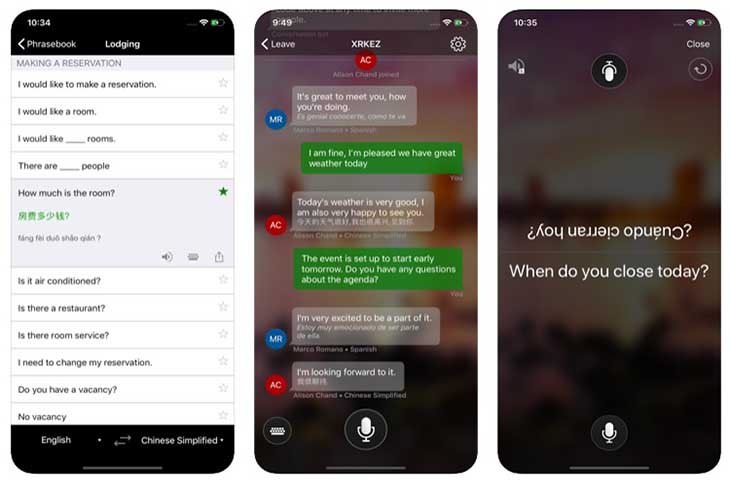
This free translation app from Microsoft knows over 60 languages. It can translate text, voice conversations, and even camera photos and screenshots. One of the coolest features is a split-screen mode for two participants having a bilingual conversation. Microsoft Translator can come in handy when you’re reading a book or an article in a different language or conversing with someone whose first language isn’t English. You can also download languages for offline use, which makes it perfect for travel (dreaming of the day traveling overseas becomes possible again sure can’t hurt!).
Share this article with your family and friends!