
|
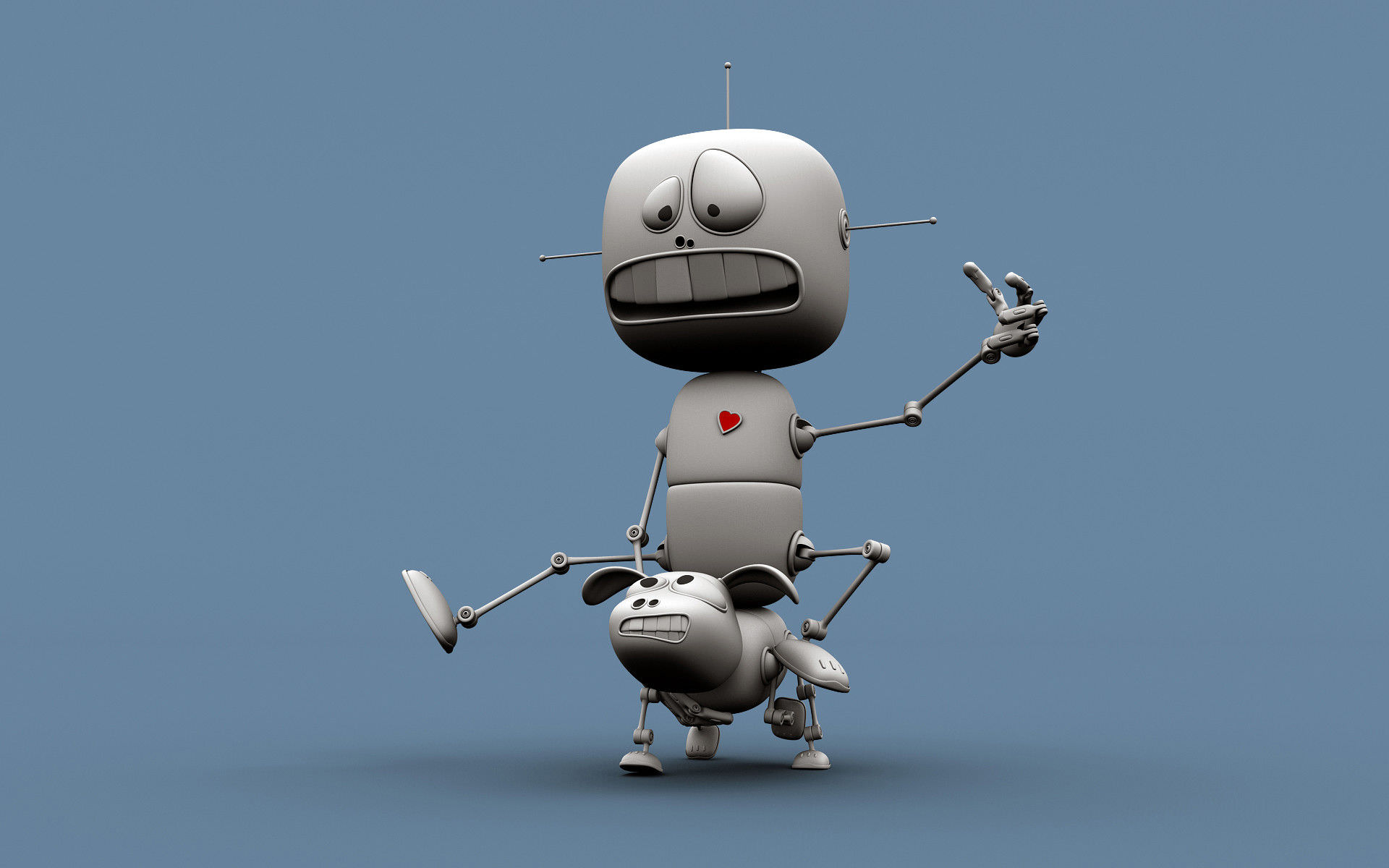
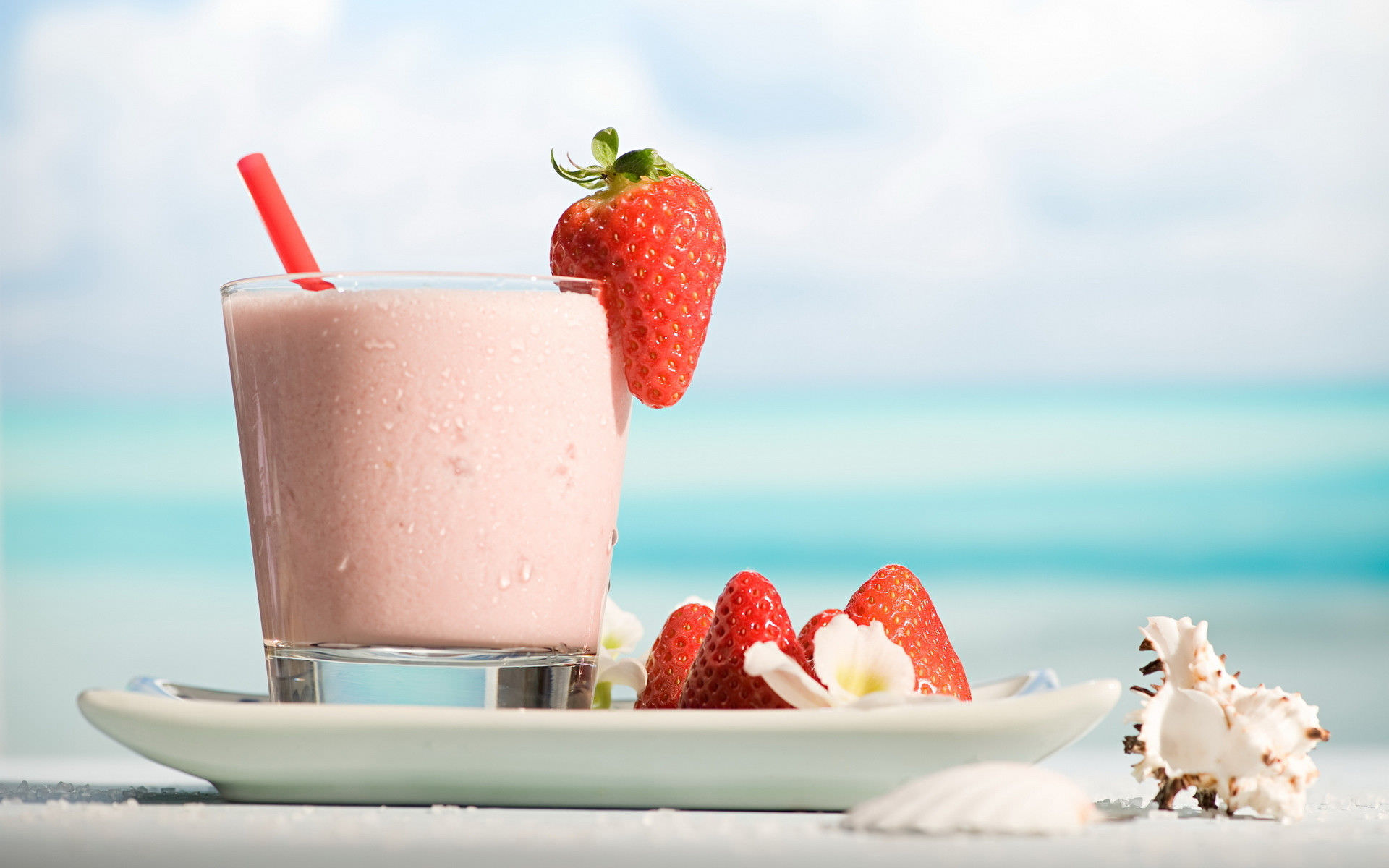
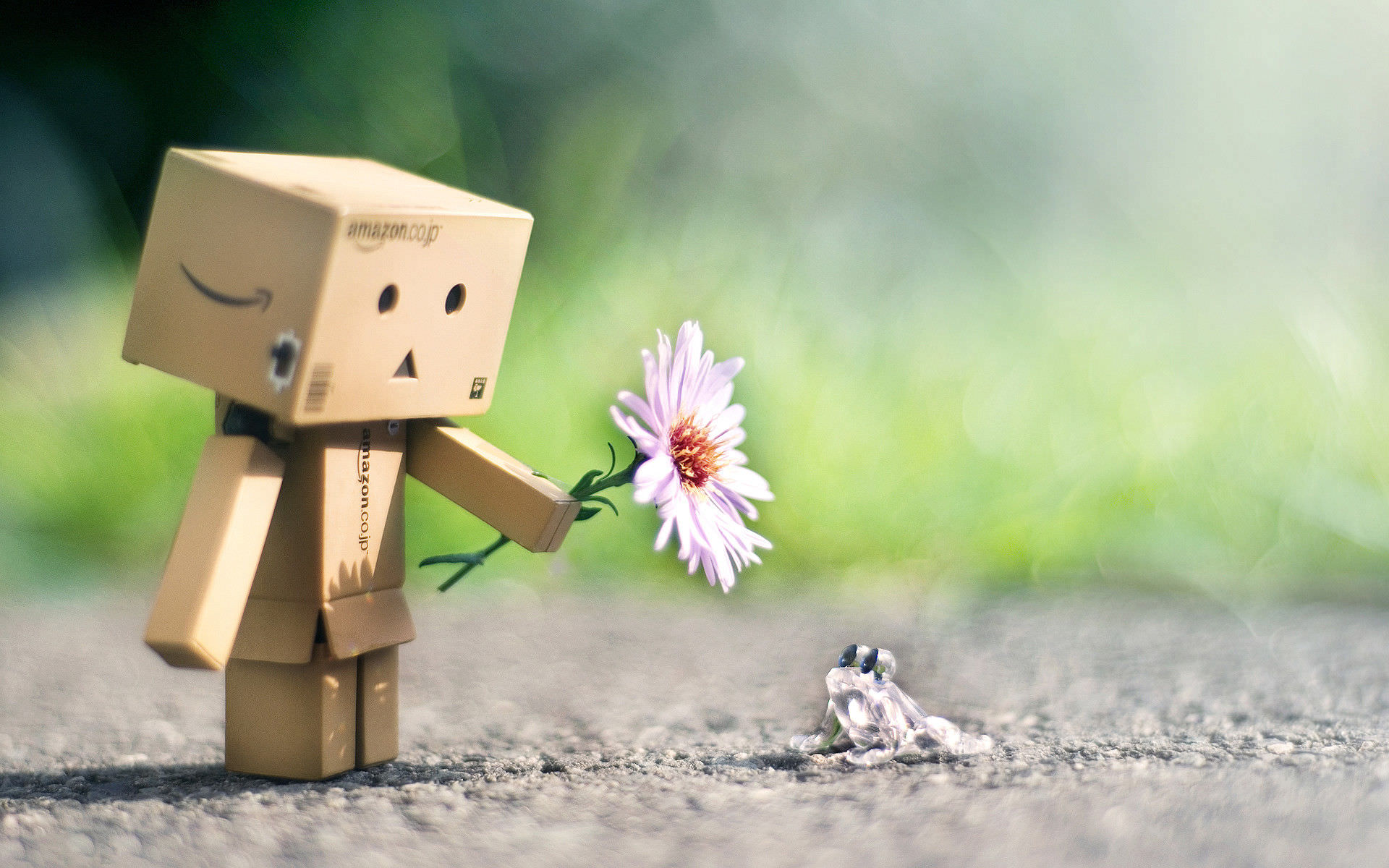
When working on the computer, there is nothing more fun than changing the wallpaper once in a while to beautiful and relaxing images and views. For this reason, we've collected some truly gorgeous wallpapers for you to use on your own home computer or iPad! Click HERE for instructions on how to make one of these images your new desktop wallpaper! |

![]() |
![]() |
![]() |
![]() |
![]() |
![]() |
![]() |
![]() |
![]() |
![]() |
![]() |
![]() |
![]() |
![]() |
![]() |
![]() |
![]() |
![]() |
![]() |
![]() |
![]() |
![]() |
![]() |
![]() |
![]() |
![]() |
![]() |
![]() |
![]() |
![]() |
![]() |
![]() |
![]() |
![]() |
![]() |
![]() |
![]() |
![]() |
![]() |
|
How to make one of these my regular wallpaper? 1. Select the photo you like and click on it with the left mouse button. It will open in a new window and in full size. 2. Click on the newly opened, full size photo, using the right mouse button. On the menu that pops up, click 'save image as' and then direct it to save in the folder of your choosing (easiest would be to put it on the desktop). 3. Go to the desktop or folder where you saved the file. Click the file you saved with the right mouse button and select 'set as desktop background'for it to become your regular wallpaper. 4. ENJOY your new stunning background!! |
Submitted by: Karen Hed
11 Amazing Woodworking Projects For You to Admire
Take a look at some deftly crafted wooden masterpieces that will surely blow your mind.

In Photos: 15 Gorgeous Cities from Around the World

We have curated a collection of 15 stunning photographs that capture the essence of these cities or showcase their breathtaking sights in a single frame.
This National Geographic Contest Winners are Spectacular
National Geographic is synonymous with outstanding photography, and its awards are no exception. Take a look at the best National Geographic photos of 2018.
These Photos Capture the Weirdness and Beauty of Japan
Japan has an abundance of beauty and weirdness all at the same time, and photographer Shin Noguchi is dedicated to capturing it. Take a look.
The Amazing Big Blue Captured by Photo Contest Winners
These stunning photos will leave you in awe of the stunning beauty of the deep big blue.
Our Planet is Full of Beauty! Take a Look at These Photos
Our planet is incredibly beautiful. Here are 15 stunning photos of planet Earth.
10 Protein-Rich Snacks for a Steadier Blood Sugar Level
Eating carbohydrates alongside foods that contain protein, fat, or fiber can slow how quickly blood sugar rises. The amount of carbohydrate you eat still matters. If you count carbs, look at the whole snack, including the crackers or fruit.
7 Tips to Follow When a Computer Hangs or Freezes
Take note of these steps that will help you unfreeze a computer that freezes or hangs regularly.
7:00
How to Remove Malware From Your Android Device
. For anyone looking to secure their phone and get it running smoothly again, this guide has it covered
Learn How to Protect Yourself Using a Public Wi-Fi Network
Public Wi-Fi networks are incredibly convenient, but they're not always safe. Here are 10 ways of protecting yourself when using public Wi-Fi.
8:11
11 Do's and Don’ts for Using a Smartphone Better
Find out some useful do's and don'ts of smartphones that you might not have known earlier.
How to Solve Your Most Common Printer Trouble
Let's go through the most common printer problems one by one, why they happen, and the fixes that actually work.
I Never Knew Repairing a Smartphone Was So Simple!
Having phone trouble? Here are 6 of the most common smartphone issues and exactly how you can fix them.
If Your Computer Is Not Working, Here's What to Do
This troubleshooting guide is all you need if you're computer isn't turning on.
2026 Foldable Smartphones: The Complete Buyer's Guide
The foldable phone market in 2026 has reached unprecedented levels of sophistication and diversity. Here's a guide looking at the top foldable models.
The Only Guide You Need to Clean Your Computer
Computers collect dust and dirt, causing them to slow down and heat up. Here's how to clean them:
These Gmail Shortcuts Will Save You Time & Frustration
If you use Gmail, but you don't know how to use a single keyboard shortcut, then you well and truly are missing out. Here are the most useful ones...
These Password Tips Will Ensure You're Safe from Hackers
Cybercrime is increasing thanks to ever-improving technology. Therefore, it's very important that you have a strong password. These tips will ensure you do!
Your Computer Mouse Can Do Much More Than You Think...
Knowing how to use your mouse can make computing so much easier than you ever realized. Here are some great tips on how to maximize the use of your mouse, which will increase your overall productivity on the computer.
Your Easy Guide to OpenAI's Amazing Video and Photo Tools
OpenAI has created tools that anyone can use to make videos and photos, even if you're not a computer expert. Let me walk you through them step by step.
4:50
Guide: How to Remove Malware from Android Phones
In this video, we’ll cut through the tech jargon to show you exactly how to spot the red flags of a compromised device.
2:19
Google Presents Genie: A New Way to Create Interactions
This is Project Genie. Where imagination meets interaction, and every prompt opens a new frontier in AI research.
10 Helpful Apps Every Senior Can Use
Ten of the best free apps out there for seniors, with easy links for both iPhone and Android phones.
8 Mistakes That Shorten the Life of Your Electronics
Your gadgets and household electronics won’t last long if you keep repeating these common mistakes.
How to Free Up Phone Storage Without Deleting Photos
Let's walk through feeing space on your phone, with instructions for both iPhone and Android.
What is "AI Psychosis", and Should You Be Worried?
A new informal term has been making the rounds - "AI psychosis" - and while it may sound alarming, understanding what it means can help you stay grounded and use these tools wisely.
How to Spot a Fake "Your Computer Is Infected" Pop-Up
This article helps people to identify malware or hacking pop ups that promise fake virus removal and what to do if you click or call them.
The Rise of QR-Code Fraud and How to Spot It
hat sense of ease is exactly what a new wave of scammers is counting on. The crime even has a name: quishing, a blend of "QR code" and "phishing."
Do You Eat Out Often? These 7 Apps Will Save You Money!
If you’re struggling to keep up with your monthly food budget, you’re not alone. Here are 7 dinning apps that will save you money every time you eat.
Smishing 101: How to Recognize Scam Text Messages
This is how you recognize and handle fraudulent or scam text messages, also known as smashing.
17:41
TikTok: Tips and Tricks for Beginners
Whether you are a total beginner or just looking to streamline your process to get more views, this tutorial covers everything you need to know to go from recording to posting.
This Incredible Map Will Let You to Fly Above Any Location
This amazing site allows you to watch drone videos by location - and boy are they beautiful.
Don't Charge Your Phone Over 80%, Here's Why
There is truth to the no-overnight-charging rule, and there is also some science to back it up.
Thirsty For Knowledge? Check Out These YouTube Channels
If you love to learn new things with each passing day, then get ready to discover a gold mine full of educational tools!
Losing Important Emails? Here’s How to Tidy Up Your Gmail
A helpful guide to setting up Gmail filters to prevent emails from getting lost or spam overflowing your inbox.
8:56
Computer Guide: How to Clean Your Laptop Safely
We’ll blast the grime out of that filthy keyboard, de-streak the screen without scratching it, and sanitize the chassis.
These Shortcuts Make Using My PC SO Easy!
Shortcuts make life easier in many parts of life, and computing is no different. Here we'll show you how your keyboard can be used to speed things up.
A Plain-Language Guide to Password Managers
Here is a plain-language explanation of what they are, why they are worth having, and exactly how to get one on your phone or computer.
8:31
20 Terrifically Helpful Chrome Keyboard Shortcuts
Welcome to the ultimate guide to mastering 20 essential keyboard shortcuts for the Google Chrome browser!
Gemini 3: An AI Upgrade or a Warning of Things to Come?
A new AI version hitting the market is always the most successful, most surprising, and always overshadows its predecessors in every comparison metric - until the next version arrives and surpasses it.
The Truth Behind Misleading Phone Charging Myths
We're putting down these rumors once and for all! These cellphone battery charge myths are untrue.
These 10 Keyboard Shortcuts Will Make Life Easy!
These keyboard shortcuts will help you learn the easiest ways to use your computer when your mouse is being less than cooperative!
Get Closer to Nature with These Wonderful Free Apps
Install these free nature apps on your phone and understand nature a little better from the comfort of your home.
5 Best Online Platforms for Couples' Counselling
We've researched the options and returned with the 5 best platforms for online couples' therapy.
20:27
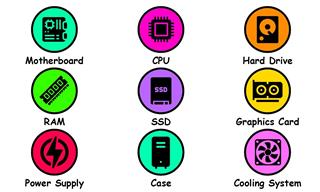
Learn About Your Computer: Every Component Explained!
In just 3 minutes, you'll be much wiser about what your computer is made of.
If You Do This, Then You Could Be Damaging Your Phone...
Many people end up damaging their phones without even realizing that they are doing so, and here are 9 of the most common ways this happens.
WARNING: 25 Most Common Scams on the Internet in 2026
As we navigate the internet, there's a minefield of scams that we have to avoid that could potentially explode in our faces. Here are the 25 most common.
Guide: How to Protect Your Eyes When On the Computer
Eye strain can be a serious problem if you work at a computer for long hours each day. Luckily, there are various things you can do in order to prevent it.
To enable your Ad-Free Subscription, please fill the fields below
Your subscription was successful, now you can enjoy an ad-free experience!! Note: To make sure you get no ads, please make sure to log in to your account. If you are logged in already, then refresh the page. The subscription can be cancelled at any time.