You have seen those little black-and-white squares everywhere by now. They sit on restaurant tables, parking meters, store displays, event flyers, and even the packages that land on your doorstep. You point your phone at one, a website opens, and you go about your day. It feels modern, quick, and harmless.
That sense of ease is exactly what a new wave of scammers is counting on. The crime even has a name: quishing, a blend of "QR code" and "phishing." And because it works in a slightly different way than the email and phone scams you may already know to watch for, it deserves a closer look. The good news is that once you understand the trick, spotting it becomes much easier.
What Is Quishing, Exactly?
Quishing is simply phishing that uses a QR code instead of a clickable link. The goal is the same as any other scam: to send you to a fake website that steals your passwords, your credit card number, or your personal details, or sometimes to sneak harmful software onto your phone.
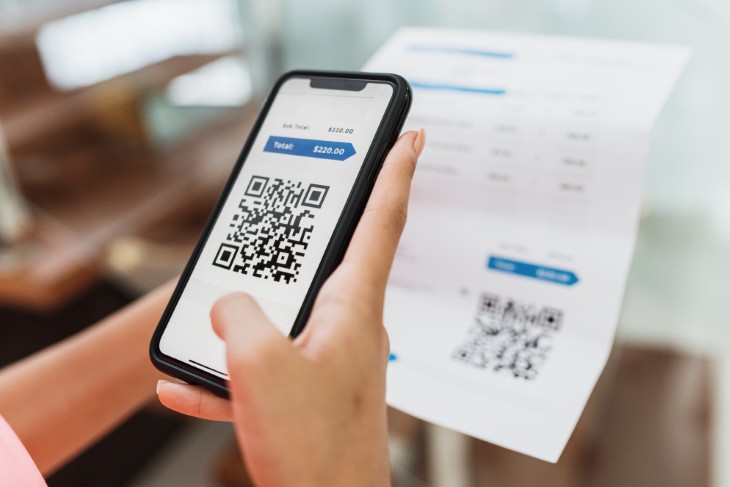
Here is what makes it sneaky. When you receive a suspicious link in an email, a careful person can often spot the trouble. The web address might be misspelled or look strange, and that gives you a chance to pause. A QR code hides all of that. The square reveals nothing about where it leads until after you have already scanned it and your phone has started loading the page. That single feature is what makes these scams harder to catch, and it is why they have spread so quickly.
How the Scam Usually Works
Most quishing follows a simple pattern. A criminal creates a fake QR code that leads to a convincing copy of a real website. They place that code somewhere you would not think twice about, or send it to you in a message that sounds urgent. You scan it, you land on a page that looks official, and you enter your information without a second thought. By the time anything feels off, your details may already be in the wrong hands.
Often there is a little nudge of pressure mixed in, words like "Pay now," "Confirm your delivery," or "Verify your account before it is closed." That sense of urgency is meant to keep you moving quickly so you do not stop to question what you are doing.
Where You Are Most Likely to Run Into It
Quishing tends to show up in the very places where QR codes already feel normal. Knowing the common hiding spots is half the battle.
- Parking meters. This is one of the most common versions. A scammer sticks a fake "Scan to Pay" code right over the real one on the meter. You scan, land on a fake payment page, and hand your card details straight to the thief.
- Restaurant tables and menus. A fraudulent sticker placed over a genuine menu code can send you to a lookalike site instead of the food.
- Unexpected packages at your door. If a parcel you never ordered arrives with a QR code inside and a note saying "Scan to find out who sent this," be careful. This is a twist on what is known as a brushing scam, and the code often leads to a fake delivery or shopping page that asks for your personal information.
- Emails and letters. Be especially wary of any email that asks you to scan a code with your phone to "verify your account" or "update your payment method." A real company sending you an email already has the ability to include a normal link. There is no good reason to make you pull out your phone and scan your computer screen.
- Posters, flyers, and event signs. At concerts, fairs, and public events, fake codes are sometimes pasted over real ones on signage, or handed out on counterfeit flyers.
The Warning Signs to Watch For
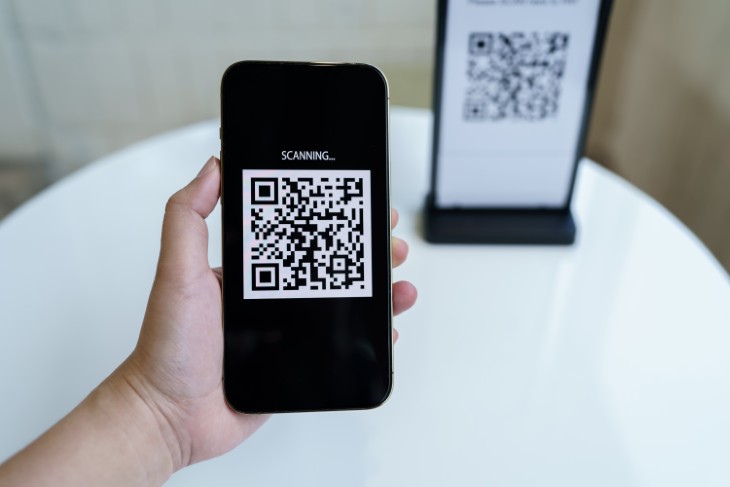
You do not need any special tools or technical know-how to protect yourself. Most of these scams rely on simple tricks, and a moment of attention is usually enough to catch them.
- A sticker on top of another code. This is the biggest red flag of all. If a QR code looks like a sticker pasted over the surface, with edges that are peeling, crooked, or printed on different paper than everything around it, do not scan it. Legitimate codes are almost always printed directly onto the menu, sign, or meter.
- Two codes close together. If you spot two QR codes near each other, especially one partly covering the other, treat the top one with suspicion.
- A web address that does not match. When your phone shows you a preview of the link, read it. If you scanned a code at a place called Mario's Pizza but the address mentions some unrelated or odd-looking site, stop right there.
- A code in an unexpected place. A QR code on a random sticker, a torn poster, or a piece of unsolicited mail deserves extra caution.
- An immediate demand for your login or payment. If the very first thing you see after scanning is a request to enter your bank password, card number, or personal details, close the page. Legitimate sites rarely demand all of that before showing you anything.
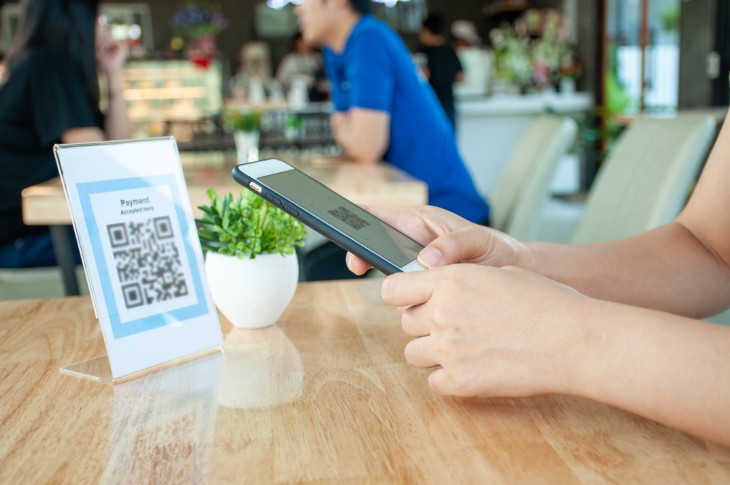
Simple Habits That Keep You Safe
None of this means you need to fear QR codes or avoid them entirely. The vast majority are perfectly fine. The aim is awareness, not anxiety. A few easy habits make all the difference.
- Pause before you scan. Ask yourself where this code came from and whether you were expecting it. That short pause is your best defense.
- Always read the preview. Modern iPhones and Android phones show you the web address before opening it. Take the two seconds to look at it. Avoid scanner apps that jump straight to the page without showing you where it leads.
- When it comes to parking, use the official app. Rather than scanning the code on the meter, download your city's official parking app from your phone's app store, or simply pay with a card or coins at the machine itself.
- Type it yourself when in doubt. If you want to reach a company's website, open your browser and type the address you know, instead of trusting a code.
- Keep your phone updated. Recent versions of phone software include built-in warnings about known dangerous websites, so keeping things up to date adds a quiet layer of protection.
What to Do If You Think You Were Caught
If you scanned something and then realized it was a scam, do not panic, but do act promptly. Quick action can limit the damage.
- Close the webpage right away and do not enter anything further.
- If you typed in a password, change it immediately, starting with your email and bank accounts. If you reused that same password elsewhere, change it there too.
- Turn on two-step verification for your important accounts where you can. It adds a second lock that can stop a thief even if they have your password.
- If you entered any card or banking details, call your bank or card company without delay so they can watch for unusual activity.
- Keep an eye on your accounts over the following weeks for anything you do not recognize.
The Bottom Line
QR codes are a genuinely useful shortcut, and they are not going anywhere. The trouble is never the little square itself, but where it might lead and what you do once you get there. Treat an unfamiliar code the same way you would treat an unfamiliar link: take a breath, check before you tap, and when something feels off, simply pay another way or ask the business directly. That small moment of caution is all it takes to enjoy the convenience while leaving the scammers with nothing.