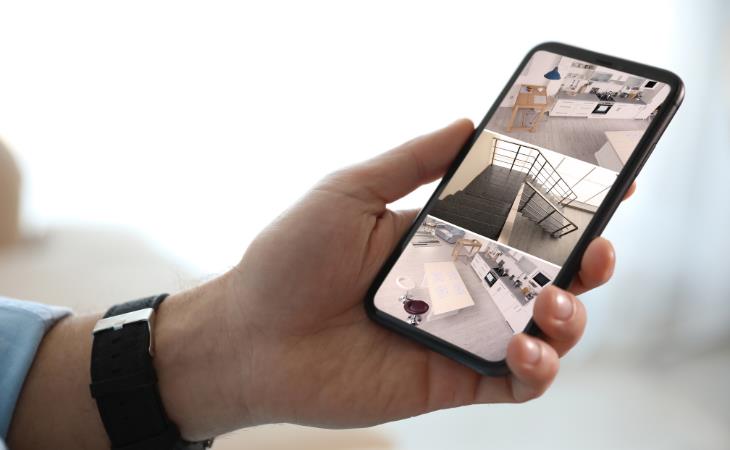
Repurpose your old phone into a home security camera by installing a security camera app on both your old and current devices, such as AlfredCamera, Wyze, or AtHome Camera. Mount the old phone in the chosen spot, and make sure it has access to power. A basic suction cup mount, typically used in cars, works well for this purpose. Once set up, simply log in to your current smartphone to view the live feed from the old device.
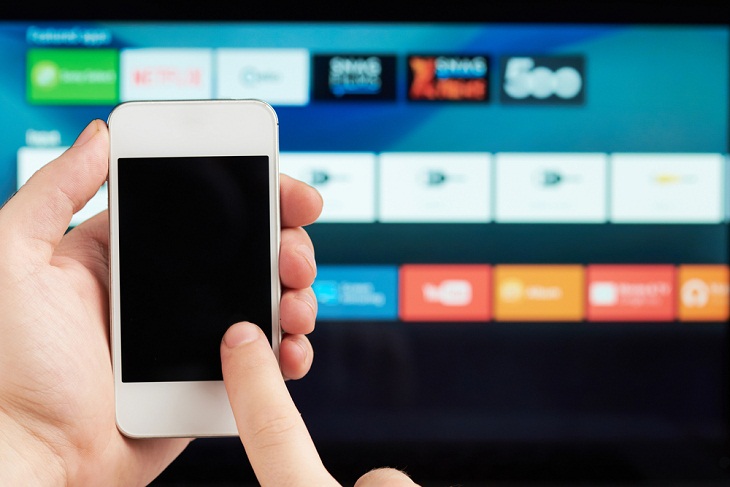
The remote control that comes with your media streaming device is often tiny and prone to getting misplaced. Whether you own an Apple TV, Chromecast, Fire TV Stick, or Roku, losing the remote is a common frustration. Instead of buying a replacement, consider using your smartphone. Any smartphone equipped with infrared (IR) technology can be repurposed as a media remote with the right app. These apps are widely available for both iPhone and Android devices. Using your phone as a remote allows you to consolidate multiple controls into a single, user-friendly touchscreen interface, and eliminates the need for multiple remote controls in your household. Just remember to recharge your phone every few days!
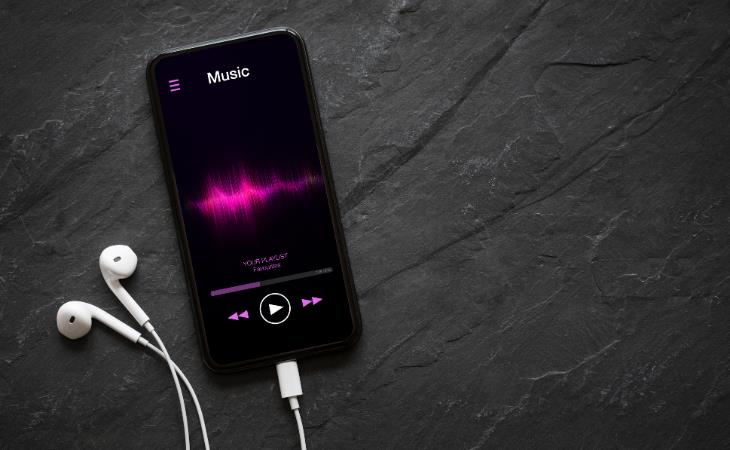
Music lovers can repurpose their old phones into dedicated music players for a better listening experience. Load your old smartphone with your favorite tracks and connect it to high-quality speakers to enjoy your music collection in style. You can also use apps like Spotify, Pandora, or YouTube Music to access a vast array of songs online. If you want to save money, use your old phone as a jukebox by connecting it to a TV or projector and controlling playback directly from your smartphone.
Related: 5 Things to Never Store on Your Smartphone
If you don't have a webcam for your desktop computer or are experiencing problems with the one on your laptop, an old smartphone might be a useful option. Use free software like DroidCam and EpocCam to turn your phone into a camera that works with your PC. Just download and install the app on both devices, then link the two.

You can easily convert your old phone into an alarm clock. All you have to do is set an alarm using the Clock app on your iPhone or Android device, or download an alarm clock app via Wi-Fi. Then, place your phone on a stand, connect it to power, and you're all set. An added benefit of using an old phone as an alarm clock is that you can keep your main phone away from the bedside table, which helps you reduce screen time before bed.
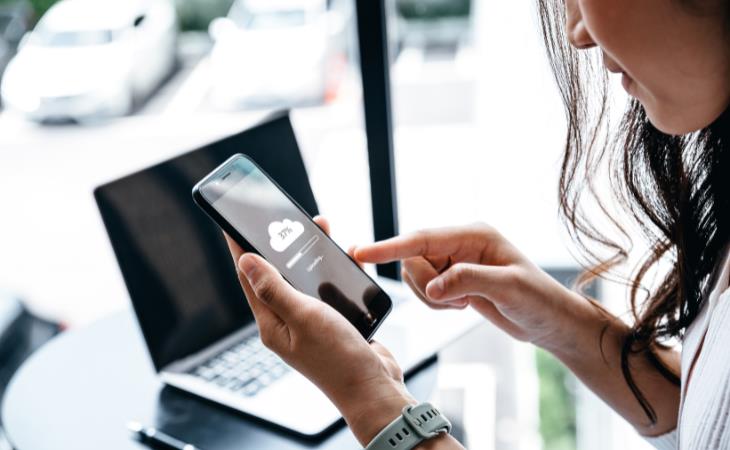
If you have an old smartphone that you no longer use, you can repurpose it as a backup storage device to store your files, photos, and documents. Firstly, ensure that you wipe the phone clean of any personal data. Then, connect it to your computer and transfer your files to its storage. You can use cloud storage apps or file manager apps to organize and access your data. You can also get a microSD card to store all your photos, videos, and files. Remember to keep the device charged and periodically back up its contents to prevent data loss. This way, your old phone can serve as an efficient backup solution.
Related: This Smartphone Hack Will Be Handy in an Emergency

4:08
Guide: Download All Google Photos in a Few Clicks!
Want to download all your Google your photos and videos in a few clicks? Watch this…
5:01
The Truth About Folding Phones You Need to Know
Don’t buy a foldable without knowing this first.
2:05
Easy Ways to Watch Content from Your Phone on Your TV
Cast and screen share your phone to your TV with these tips.
8 Genius Ways to Save Your Phone’s Battery While Traveling
Save your phone battery while traveling with these smart tips.
2:35
iPhone Tips: Reach The Top Of The Screen With One Hand
Has your iPhone's screen ever dropped down to the bottom half of the display area? It's not a bug but an important feature.
4:22
eSIM vs Traditional SIM: What’s the Big Difference?
Are eSIMs and iSIMs the future of connectivity?
Top 5 Apps for Checking on Your Pet’s Health
These apps were selected based on their functionality, user reviews, and relevance to health monitoring, as highlighted by pet care and technology sources.
5 DIY Solutions to Better Organize Your Cords and Cables
Computer cables have an annoying tendency to tangle and create an unseemly mess. Here are some easy ways to prevent that.


Stop Paying For Software: 8 Free Productivity Options
Here are eight free open-source alternatives that can take the place of paid productivity apps without sacrificing quality or functionality.
8 Mistakes That Shorten the Life of Your Electronics
Your gadgets and household electronics won’t last long if you keep repeating these common mistakes.
Don't Charge Your Phone Over 80%, Here's Why
There is truth to the no-overnight-charging rule, and there is also some science to back it up.
7:38
Most People Don’t Know About These Google Maps Features
Google Maps has a ton of new features that most people don’t know about.
Computer Guide: Comparing Skype and Microsoft Teams
This article will explain why Skype is going away, how Teams fills its shoes, and guide you through using Teams for your personal video calls, screen shares, and chats.
1:55
Never Lose Your WhatsApp Chats Again with These Hacks!
Protect your WhatsApp chats with these tips.
14 Tips for Using the Computer More Easily
It’s very likely that in the following computer tips list you’ll find information that will surprise you!
Fed Up With Spotify? Try These Alternatives for Free Music
Here are eight of the best platforms where you can listen to music online without spending a dime.
How to Tell If a Virus Warning Is Real or Fake - 12 Tips
If you see a barrage of security alerts popping up on your computer, then it might be sign of a virus attack.
Your Easy Guide to OpenAI's Amazing Video and Photo Tools
OpenAI has created tools that anyone can use to make videos and photos, even if you're not a computer expert. Let me walk you through them step by step.
Is Your Browser Slowing Down? Fix It With These 10 Tips
Get Chrome running smoothly with these seven easy fixes.
5 Hidden Google Chrome Games (And a Bonus)
Tired of Backgammon online? Try Google Chrome's online in-browser collection of games for an easy-to-reach entertainment break. Tic-tac-toe, snake, and more!
The Most Amazing Websites for Learning Languages for Free
Learn any language for free with these amazing websites!
2025's Online Threats Will Be More Sophisticated Than Ever
A look at the cyber scams that you need to be wary of this year.
12 USEFUL Chrome Extensions That Save Time
Improve your browsing experience with these free Google Chrome extensions.
USB Drives Can Do More Than You Think – 10 Hacks You Need
Let’s explore some of the most practical yet overlooked ways to use USB drives.
These 5 Free Tools Can Help You Save Money Today!
These free apps and sites make saving money a breeze.
7:31
How to Edit Your Photos Using 3 Different AI Services
If you shoot weddings, portraits, or anything high-volume, and you’ve wondered if AI can really speed things up without cutting corners, this is the no-nonsense breakdown you need.
Losing Important Emails? Here’s How to Tidy Up Your Gmail
A helpful guide to setting up Gmail filters to prevent emails from getting lost or spam overflowing your inbox.
4:28
Update Now or Wait? Comparing iOS 17.7 and iOS 18
If you are wary of updating to iOS 18, watch this video.
This One Computer Key Is Used for a Myriad of Shortcuts!
The 'Win' key is usally thought to only bring up the start menu. It actually does a whole lot more. Get a load of these dozens of shortcuts!
Forget Chrome—Zen Browser Is the Upgrade You Need
If you’re tired of slow load times, constant battery drain, or a cluttered interface, Zen might be the browser you’ve been waiting for.
ChatGPT's Got Competition: 7 Exciting AI Contenders
Looking for a ChatGPT alternative? Here are a few good ones.
If You Do This, Then You Could Be Damaging Your Phone...
Many people end up damaging their phones without even realizing that they are doing so, and here are 9 of the most common ways this happens.
10 Free Ancestry Sites for Tracing Your Family History
Here are 10 of the best free ancestry sites that can help you uncover your family’s story.
Boost Your Brain With These 8 Brainy Mobile Games!
We’ve gathered 8 recommended games to keep your brain active, challenge your logical thinking, and help you pass the time enjoyably.
7 Clear Indicators Your Home Router Needs to Be Changed
Is your router in need of an upgrade? Watch out for these signs.
This Free Website Will Let You Play the Most Fun Mazes!
Do you love mazes and navigation challenges? Look no further than this fun site!
Who Traces Your Emails? Learn How to Detect Email-Tracking
40% of emails are being tracked by somebody without people's consent or notification, which means you'd better learn how to protect your privacy...
Here’s Where You Can Watch Classic Movies for Free!
Want to watch free classic movies? Check out these sites and apps.
How to Download Free Windows Software Securely – 7 Tools
Here’s how you can download free Windows software safely and securely.
9:43
Tired of Google Photos Storage Limits? Try These Solutions
Get more space in your Google Photos account with these useful hacks.
Surround Yourself With the Forest Sounds of the World
Ready to be surrounded by the music of the world’s forests and experience the restorative properties of being in nature?
43:39
AI News: What's Going On With AI This Week?
This week's AI news covers major releases and impressive demos.
Making These Email Mistakes Comes Off As Rude or Annoying
When sending an email, the last thing you want is to come off as impolite or annoying. Here are 5 common email mistakes to avoid.
Gboard Secrets: 7 Handy Features You're Not Using Yet
Make the most out of Gboard with these awesome tips and tricls.
12 Amazing Internet Radio Stations to Spice Up Your Day!
Check out these 12 fantastic internet radio stations.
4:08
Guide: Download All Google Photos in a Few Clicks!
Want to download all your Google your photos and videos in a few clicks? Watch this…
Turn Off These 9 Android Settings. They Pose a Risk
Here are some Android settings that you should consider turning off to enhance your device’s performance.
To enable your Ad-Free Subscription, please fill the fields below
Your subscription was successful, now you can enjoy an ad-free experience!! Note: To make sure you get no ads, please make sure to log in to your account. If you are logged in already, then refresh the page. The subscription can be cancelled at any time.