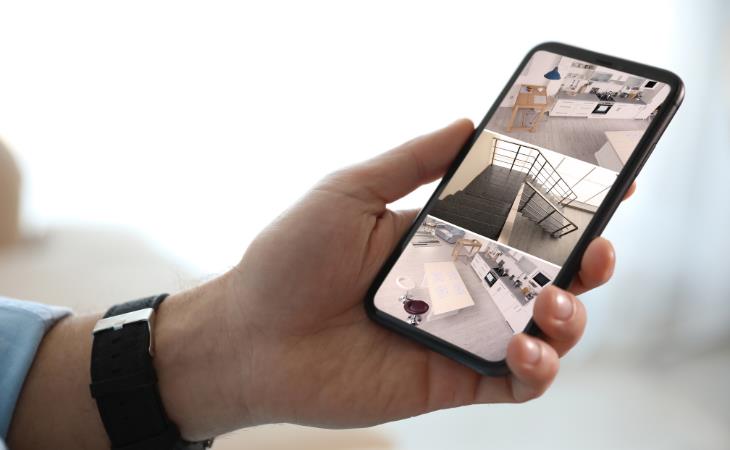
Repurpose your old phone into a home security camera by installing a security camera app on both your old and current devices, such as AlfredCamera, Wyze, or AtHome Camera. Mount the old phone in the chosen spot, and make sure it has access to power. A basic suction cup mount, typically used in cars, works well for this purpose. Once set up, simply log in to your current smartphone to view the live feed from the old device.
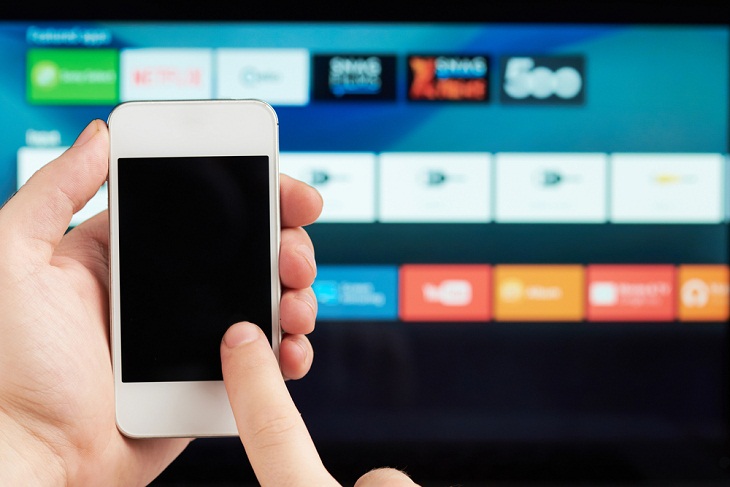
The remote control that comes with your media streaming device is often tiny and prone to getting misplaced. Whether you own an Apple TV, Chromecast, Fire TV Stick, or Roku, losing the remote is a common frustration. Instead of buying a replacement, consider using your smartphone. Any smartphone equipped with infrared (IR) technology can be repurposed as a media remote with the right app. These apps are widely available for both iPhone and Android devices. Using your phone as a remote allows you to consolidate multiple controls into a single, user-friendly touchscreen interface, and eliminates the need for multiple remote controls in your household. Just remember to recharge your phone every few days!
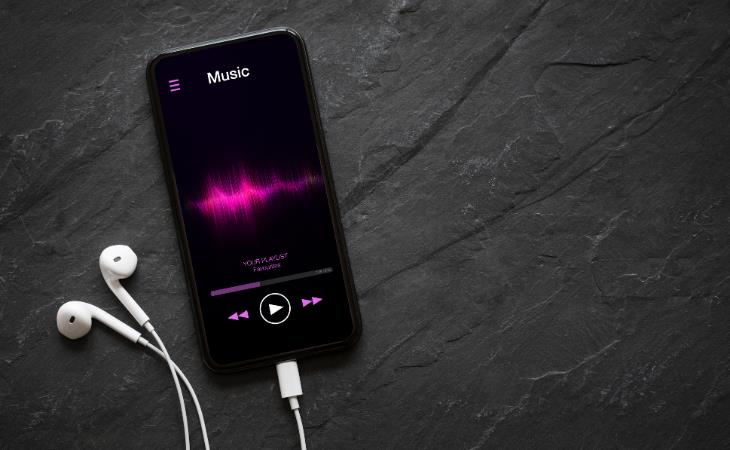
Music lovers can repurpose their old phones into dedicated music players for a better listening experience. Load your old smartphone with your favorite tracks and connect it to high-quality speakers to enjoy your music collection in style. You can also use apps like Spotify, Pandora, or YouTube Music to access a vast array of songs online. If you want to save money, use your old phone as a jukebox by connecting it to a TV or projector and controlling playback directly from your smartphone.
Related: 5 Things to Never Store on Your Smartphone
If you don't have a webcam for your desktop computer or are experiencing problems with the one on your laptop, an old smartphone might be a useful option. Use free software like DroidCam and EpocCam to turn your phone into a camera that works with your PC. Just download and install the app on both devices, then link the two.

You can easily convert your old phone into an alarm clock. All you have to do is set an alarm using the Clock app on your iPhone or Android device, or download an alarm clock app via Wi-Fi. Then, place your phone on a stand, connect it to power, and you're all set. An added benefit of using an old phone as an alarm clock is that you can keep your main phone away from the bedside table, which helps you reduce screen time before bed.
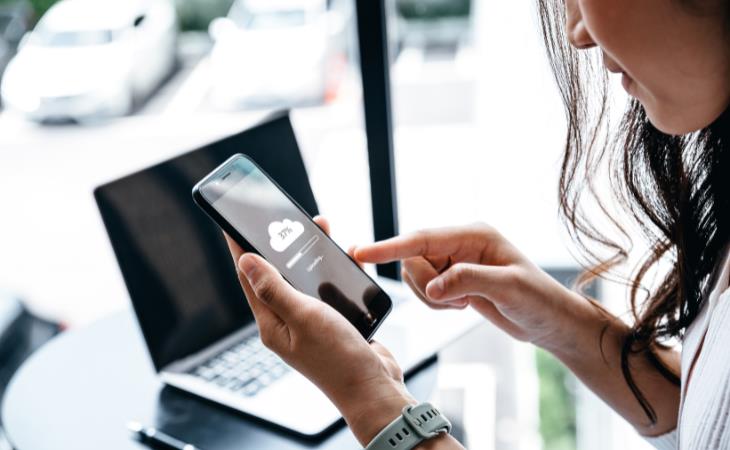
If you have an old smartphone that you no longer use, you can repurpose it as a backup storage device to store your files, photos, and documents. Firstly, ensure that you wipe the phone clean of any personal data. Then, connect it to your computer and transfer your files to its storage. You can use cloud storage apps or file manager apps to organize and access your data. You can also get a microSD card to store all your photos, videos, and files. Remember to keep the device charged and periodically back up its contents to prevent data loss. This way, your old phone can serve as an efficient backup solution.
Related: This Smartphone Hack Will Be Handy in an Emergency

1:56
No More Clutter! Free Up WhatsApp Storage in Minutes
Running out of storage on your phone because of WhatsApp? Try these hacks now.
5:23
Phone Security– The Fastest Way to Secure a Hacked Phone
This guide helps you in checking for hackers on your phone, removing them, and locking down your phone.
2:05
Easy Ways to Watch Content from Your Phone on Your TV
Cast and screen share your phone to your TV with these tips.
Gboard Secrets: 7 Handy Features You're Not Using Yet
Make the most out of Gboard with these awesome tips and tricls.
2:35
iPhone Tips: Reach The Top Of The Screen With One Hand
Has your iPhone's screen ever dropped down to the bottom half of the display area? It's not a bug but an important feature.
7 UNDISCOVERED Apps That are NOT on the Google Play Store!
I can’t believe I never knew about these handy Android apps.
Thirsty For Knowledge? Check Out These YouTube Channels
If you love to learn new things with each passing day, then get ready to discover a gold mine full of educational tools!
Replace Your Smartphone if It’s Showing Any of These Signs
Here are 7 major telltale signs that your smartphone is in need of an upgrade.
This One Computer Key Is Used for a Myriad of Shortcuts!
The 'Win' key is usally thought to only bring up the start menu. It actually does a whole lot more. Get a load of these dozens of shortcuts!
2:27
Tutorial: How to Uninstall Apps on Your Windows 11 PC
How to uninstall apps on your windows PC.
5:28
WhatsApp Privacy Settings You Must Change for Safety


Want to take control of your WhatsApp privacy? In this tutorial, I'll walk you through the essential settings that protect your personal information and give you complete control over who sees what.
3:32
The Easy Way to Clean Your Computer's Keyboard
Cleaning a dirty keyboard is quite a straightforward task, as you're about to find out.
10 Warning Signs You’re About to Fall for a Fake Ad
Thse are 10 red flags that should make you pause before clicking on a social media ad.
7 Handy Chrome Extensions That You Must Install Today
This article features some of the best and most useful Google Chrome extensions that will be handy to every user.
Turn Off These 9 Android Settings. They Pose a Risk
Here are some Android settings that you should consider turning off to enhance your device’s performance.
How to Spot Fake Online Reviews: A Shopper’s Guide
Here are practical tips to help you spot fake Amazon reviews.
These 10 Keyboard Shortcuts Will Make Life Easy!
These keyboard shortcuts will help you learn the easiest ways to use your computer when your mouse is being less than cooperative!
7 Reasons Why Your Computer is Running Abnormally Slow
There are many things that could be slowing your computer down and you'll find 7 of them in this article. Take a look!
Making These Email Mistakes Comes Off As Rude or Annoying
When sending an email, the last thing you want is to come off as impolite or annoying. Here are 5 common email mistakes to avoid.
Take Your Computer Back to New with These Helpful Tips!
If your computer has become slow and is starting to lag, it’s probably about time you serviced it. Here's how to do it yourself, free of charge.
12 Google Chrome Shortcuts Everyone Should Know
Keyboard shortcuts are immensely useful! If you’re using Google Chrome to browse the internet, we have a few neat shortcuts to share with you.
Top 5 Apps for Checking on Your Pet’s Health
These apps were selected based on their functionality, user reviews, and relevance to health monitoring, as highlighted by pet care and technology sources.
7:40
ChatGPT vs. Google Gemini: Which One is Better in 2026?
Which AI truly owns your devices in 2026? Let’s find out.
How to Tell If a Virus Warning Is Real or Fake - 12 Tips
If you see a barrage of security alerts popping up on your computer, then it might be sign of a virus attack.
Exploring the Web Beyond Google: 7 Handy Alternatives
Try some of these non-conventional search engines that you didn't know existed.
Forget Chrome—Zen Browser Is the Upgrade You Need
If you’re tired of slow load times, constant battery drain, or a cluttered interface, Zen might be the browser you’ve been waiting for.
Learn How to Protect Yourself Using a Public Wi-Fi Network
Public Wi-Fi networks are incredibly convenient, but they're not always safe. Here are 10 ways of protecting yourself when using public Wi-Fi.
5:23
Phone Security– The Fastest Way to Secure a Hacked Phone
This guide helps you in checking for hackers on your phone, removing them, and locking down your phone.
20:27
Learn About Your Computer: Every Component Explained!
In just 3 minutes, you'll be much wiser about what your computer is made of.
There's a keyboard Shortcut for Nearly Everything Here!
These shortcuts will cut down the time you waste fiddling about on the computer, and make you into something of an expert.
If You Aren’t Doing these Things, Your PC WILL Wear Out...
All the basics of computer maintenance.
What We Can Learn from ChatGPT About Being Human
What can we learn from ChatGPT about ourselves?
STOP! You're Damaging Your Computer...
Computers are practically indispensable to us these days. The thing is, you could be damaging yours without even knowing it. Looking out for these 16 things.
Who Traces Your Emails? Learn How to Detect Email-Tracking
40% of emails are being tracked by somebody without people's consent or notification, which means you'd better learn how to protect your privacy...
9:17
The Best and Worst Apps for Learning Languages
Choosing the right language learning app can make the difference between steady progress and quick burnout
17:41
TikTok: Tips and Tricks for Beginners
Whether you are a total beginner or just looking to streamline your process to get more views, this tutorial covers everything you need to know to go from recording to posting.
Gboard Secrets: 7 Handy Features You're Not Using Yet
Make the most out of Gboard with these awesome tips and tricls.
Computer Tips: All You Can Do With the CTRL/Control Key!
The control key has more uses than just copying and pasting. These are the 20 more useful keyboard shortcuts you can do with the control key.
5:15
How to Find Out if Your Computer Has a Virus
In this video, I'll show you the most telling signs that your machine may be infected, walk you through how to remove threats effectively, and share the best antivirus solutions to keep you protected for good.
The Most Reliable Cloud Storage Services for 2025
Here’s a closer look at some of the best cloud storage services to consider in 2025.
5:02
How to Transfer Data From Your Old iPhone to The New One
Got a new iPhone? Here's how you can move all your data from your old iPhone to the new one.
Computer Guide: Comparing Skype and Microsoft Teams
This article will explain why Skype is going away, how Teams fills its shoes, and guide you through using Teams for your personal video calls, screen shares, and chats.
What To Do When Windows Will NOT Boot
There's nothing more frustrating than your computer refusing to boot. Here is what you can do to fix it when the system won't even initialize.
Secure Your Data: 5 Must-Have Privacy Apps
A look at five apps that help you take back control of your digital footprint, including their strengths, trade-offs, and where to download them safely.
12 USEFUL Chrome Extensions That Save Time
Improve your browsing experience with these free Google Chrome extensions.
You Should Bookmark These Incredibly Useful Sites
Make sure that you bookmark these handy websites!
These Websites ONLY Share Positivity and Good Stories!
Say goodbye to negativity with these positive news platforms.
To enable your Ad-Free Subscription, please fill the fields below
Your subscription was successful, now you can enjoy an ad-free experience!! Note: To make sure you get no ads, please make sure to log in to your account. If you are logged in already, then refresh the page. The subscription can be cancelled at any time.