It is one of life's small, familiar panics. You set your phone down "just for a second," and now it has vanished. You check the kitchen counter, the coffee table, your coat pocket, the bathroom. Nothing. And of course, the one time you really want it to ring, you remember you left it on silent. Before you turn the whole house upside down lifting every cushion, take heart. Your phone is almost certainly close by, and there are some wonderfully simple ways to make it announce itself. Here is how, on both iPhone and Android.
The Reliable Way: Make It Ring Even on Silent
Both Apple and Google build a free "find my phone" feature into their devices, and its finest trick is that it can make your phone play a loud sound even if the ringer is turned off. This is the method to reach for when calling does not work. You simply use another device, a tablet, a computer, or someone else's phone, to send the command. Here is how, depending on which kind of phone you have.
If You Have an iPhone
Apple's feature is called Find My, and you have a few easy ways to use it:
- From any computer: open a web browser, go to icloud.com/find, and sign in with your Apple Account (the same username and password you use for the App Store). Click "Find Devices," choose your iPhone from the list, and click Play Sound. Your phone will start chiming loudly, even on silent, until you pick it up and press a button.
- From another Apple device: if you also have an iPad, or a family member nearby has an iPhone, open the app called Find My, tap "Devices" at the bottom, select your phone, and tap Play Sound.
- From an Apple Watch: if you wear one, this is the fastest trick of all. Swipe up to open the Control Center, then tap the little phone icon to ping your iPhone. It will play a sound immediately.
If You Have an Android Phone
Google's feature is called Find Hub. You may still see it called by its older name, Find My Device, but it works the same way:
- From any computer: open a web browser, go to google.com/android/find, and sign in with your Google account. Select your phone from the list and click Play Sound. It will ring at full volume for several minutes, even if it is set to silent or vibrate, until you find it and press the power button.
- From another phone or tablet: open the Find Hub app, or download it free if it is not already there, and sign in with your Google account. You can even sign in as a guest on a friend's Android phone. Select your device and tap Play Sound.
Even Easier: Just Ask Out Loud
If you have a smart speaker or voice assistant in your home, you may not have to lift a finger at all. You can simply ask it to find your phone for you, and it will make the phone ring.
- With an Apple HomePod: say "Hey Siri, find my iPhone," and your phone will play a sound.
- With a Google Nest speaker or display: say "Hey Google, find my phone," and it will ring your phone for you. Pleasantly, this works whether you have an Android phone or an iPhone.
It is a small everyday luxury: standing in your kitchen, asking the air to find your phone, and hearing it answer from the next room.
When It Is Really Hiding: Check the Map
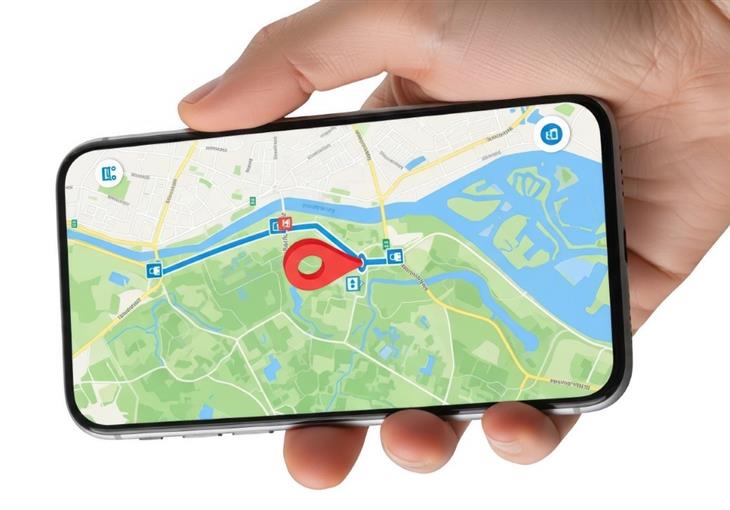
Once in a while a phone slips somewhere truly out of earshot, perhaps it slid under the car seat in the garage or got carried out to the porch. In that case, the very same tools above can show you its location on a map. On the icloud.com/find page or in the Find My app for an iPhone, and on the google.com/android/find page or Find Hub app for an Android, your phone appears as a dot on a map of your home and neighborhood. It will not show you the exact cushion, but it can tell you which room or which corner of the property to search, which is often all you need to narrow things down.
Setting Yourself Up for Next Time
A few minutes of preparation now will save you a great deal of searching later. Here are some simple habits worth adopting:
- Make sure the feature is switched on. These tools only work if they were turned on beforehand, but the good news is they are usually on by default. To double-check on an iPhone, open Settings, tap your name at the top, then tap "Find My." On an Android, open Settings, search for "Find My Device" or "Find Hub," and make sure it is turned on.
- Give your phone a home base. Choosing one consistent spot to set your phone down, like a small dish by the door or a charging stand on the kitchen counter, prevents most misplacements before they happen.
- Turn up your ringtone, and pick a lively one. A louder, longer, more cheerful ring makes the simple "call it" method work far better.
- Consider a tracking tag for your other belongings. Those small Bluetooth tags, attached to your keys, wallet, or purse, work on the very same principle and can be made to beep from your phone. They are a handy companion to all of the above.