Few things are more frustrating than reaching for your phone in the middle of the day only to find the battery already running on empty. We often blame the phone itself, assuming the battery is simply old or poorly made. The truth is a little more surprising. Many of the things that wear down a battery and leave us scrambling for a charger are everyday habits, small routines we repeat without a second thought. The good news is that once you know what these habits are, they are remarkably easy to change. Below are the seven most common mistakes that quietly drain your battery and shorten its lifespan, along with simple ways to break each one.
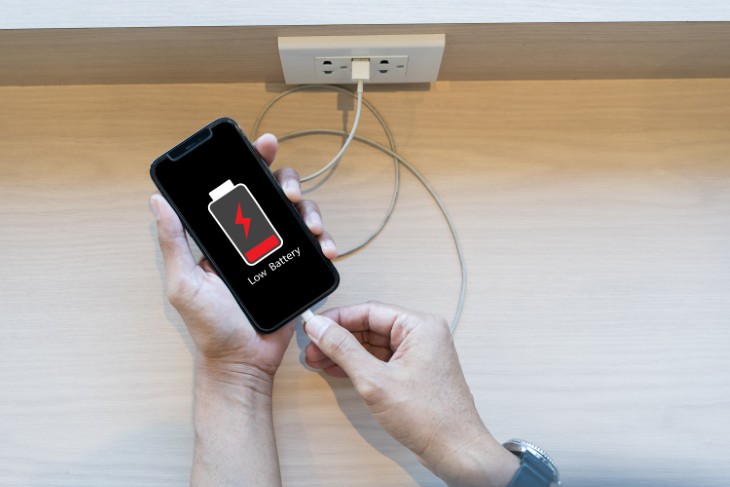
There is a widespread belief, left over from older battery technology, that you should let your phone die completely before charging it again. With the lithium-ion batteries inside today's smartphones, this advice is not just outdated, it is actively harmful. Modern batteries do not have a "memory," and running them down to zero on a regular basis puts them under real stress. Each time the battery hits empty, it goes through what engineers call a deep discharge, and repeated deep discharges gradually reduce the total amount of charge the battery can hold.
A far healthier approach is to keep your phone topped up before it gets desperate. Most experts suggest plugging in once you drop to around 20 percent rather than waiting for the dreaded red warning. Think of your battery less like a tank you empty and refill, and more like a houseplant that prefers steady, regular watering over long droughts followed by floods. Frequent small charges throughout the day are gentler on the battery than letting it crash to zero and then forcing it back up to full.
If draining the battery to nothing is bad, surely keeping it full must be good? Not quite. Holding a lithium-ion battery at 100 percent for long stretches, such as leaving it charging on the nightstand all night, also creates strain. A battery sitting at full charge is under a kind of constant tension, and over months and years that tension speeds up its natural decline.
This is why many phone makers have introduced features with names like "optimized charging" or "smart charging," which slow down the final stage of charging and hold the battery just below full until you are about to wake up. If your phone offers this setting, turning it on is one of the easiest things you can do for long-term battery health. Where possible, aim to keep your charge somewhere between 20 and 80 percent. That comfortable middle range is where lithium-ion batteries are happiest and last the longest.

Of all the enemies a battery faces, heat is the most damaging, and it is also the one people overlook most often. Leaving your phone on the dashboard of a parked car on a sunny day, setting it down in direct sunlight by the pool, or tucking it under a pillow while it charges can all push the battery to temperatures it was never designed to handle. High heat causes permanent chemical changes inside the battery, shrinking its capacity in ways that no amount of careful charging can reverse.
The danger is doubled when heat and charging happen at the same time, because charging naturally warms the battery on its own. A phone charging under a blanket or inside a hot car is getting a double dose of stress. To protect your battery, keep your phone out of direct sun, never leave it in a hot vehicle, and give it room to breathe while it charges. If your phone ever feels uncomfortably warm to the touch, take that as a signal to set it down somewhere cool and let it rest.
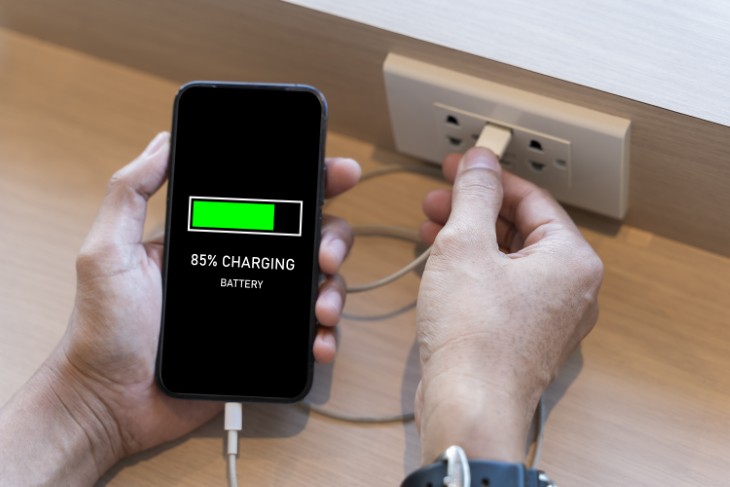
When a charging cable frays or a charger goes missing, it is tempting to grab the cheapest replacement from a gas station rack or an online bargain bin. Unfortunately, low-quality chargers can deliver an inconsistent or improperly regulated flow of power, and that uneven charging can wear a battery down faster and even pose a safety risk in extreme cases. The few dollars you save up front may cost you far more in reduced battery life down the road.
You do not necessarily need to buy the most expensive accessory on the shelf, but you should choose chargers and cables that are certified and made by reputable manufacturers. Look for the official charger that came with your phone, or a well-reviewed alternative that clearly states it meets recognized safety standards. A trustworthy charger gives your battery a clean, steady supply of power, which is exactly what it needs to stay healthy for years.

The screen is by far the hungriest part of your phone when it comes to power. Keeping the brightness cranked all the way up, especially indoors where you do not need it, burns through your battery far faster than necessary and means you will be reaching for the charger sooner. More frequent charging cycles, in turn, contribute to the gradual aging of the battery over time.
A simple fix is to turn on automatic brightness, which lets your phone adjust the screen to match your surroundings, brightening outdoors and dimming in a cozy living room. You can also lower the brightness manually whenever you do not need a blazing display. Another helpful trick is to shorten the screen timeout, the length of time your screen stays lit after you stop using it. Setting it to a shorter interval means your phone is not pouring power into a glowing screen you have already set down on the table.
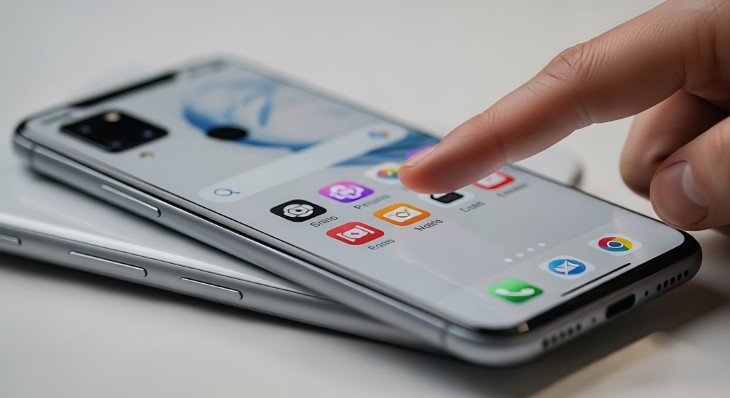
Even when you are not actively using your phone, plenty of apps stay busy behind the scenes. They refresh their content, check for updates, send notifications, and quietly track your location. Each of these little tasks sips power, and when dozens of apps are doing it all day long, those sips add up to a surprisingly large gulp. Location tracking is an especially thirsty feature, since constantly pinpointing where you are takes real energy.
The solution is not to obsessively close every app, which modern phones manage just fine on their own, but to review which apps truly need to run in the background or know your location. Step into your settings and turn off background refresh for apps you rarely use, and switch location access to "while using" rather than "always" for anything that does not genuinely need to follow you around. You may be amazed at how much longer your battery lasts once you rein in a handful of attention-hungry apps.
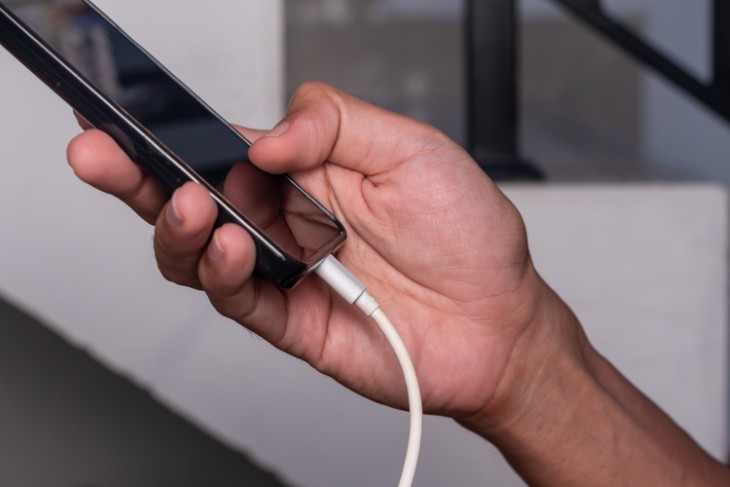
Many of us cannot resist scrolling, streaming, or playing a game while the phone is plugged in. Doing this occasionally is no great sin, but making a habit of heavy use during charging is hard on the battery. The reason comes back to heat. Demanding activities like gaming or video already warm the phone up, and adding the heat of charging on top creates exactly the kind of high-temperature situation that wears a battery down.
Whenever you can, let your phone charge in peace, ideally while you are doing something else entirely. If you absolutely must use it, stick to light tasks like reading or messaging rather than power-hungry games or long videos, and consider removing a thick case that traps heat against the device. Giving your phone a calm, cool charging session every time will pay off in a battery that stays strong for far longer.
A Few Small Changes, A Much Longer Life
None of these habits will ruin your phone overnight, which is exactly why they are so easy to overlook. Battery wear happens slowly and quietly, one warm charge or one full overnight top-up at a time, until one day you notice your phone simply does not last the way it used to. The encouraging news is that the fixes are just as gentle and gradual. By keeping your charge in that comfortable middle range, protecting your phone from heat, choosing a quality charger, and easing the load on your screen and background apps, you give your battery the best possible chance to stay healthy for years to come. A little awareness today can save you the cost and hassle of a new battery, or a new phone, far sooner than you expected.