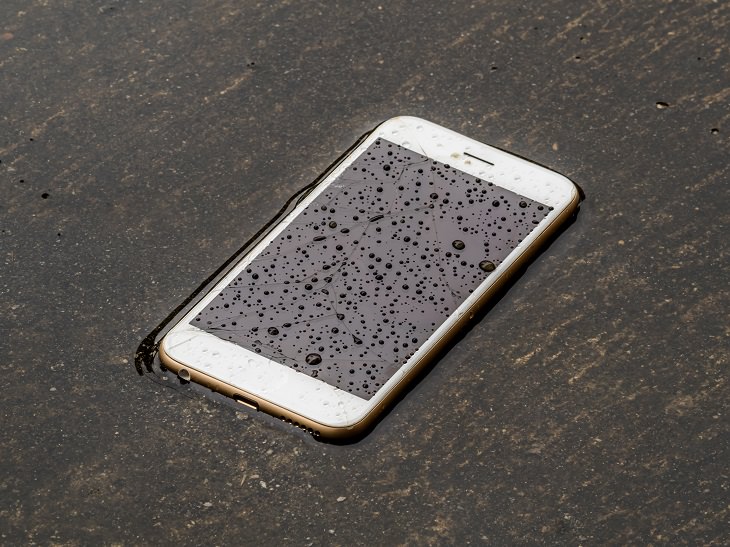
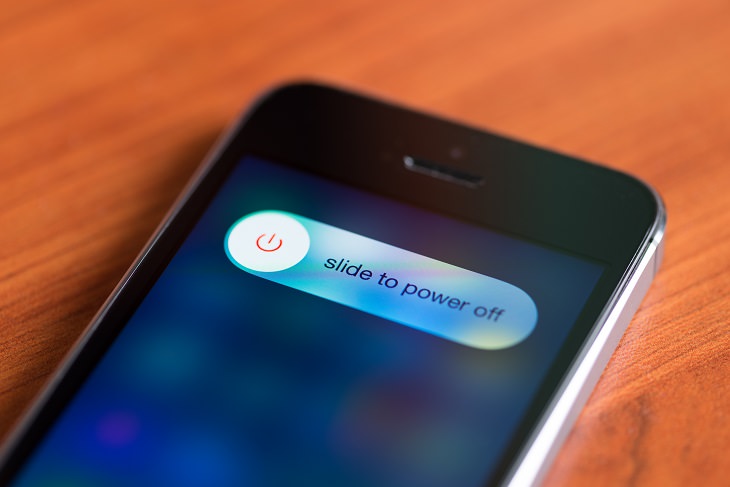
Once you are done with the outside remove any cases, covers or shells the phone might have, and then remove the battery and the SIM card. Dry them using a dry towel the same way as you did the outside.
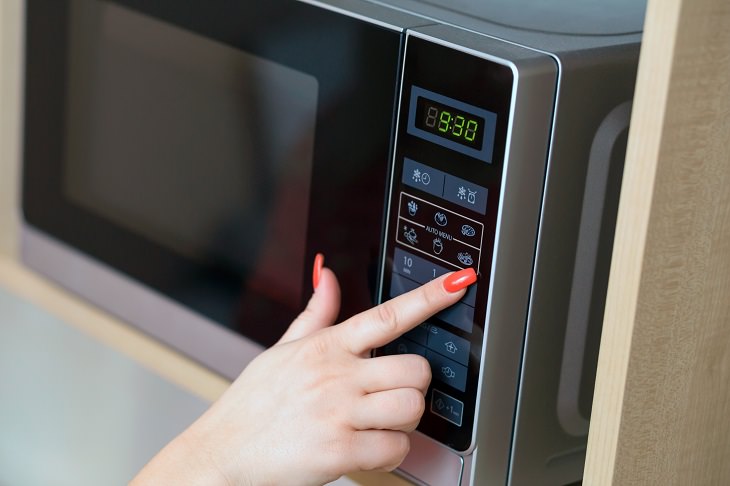
Now before we get to the next step on how to dry your phone, I want to go over some of the worst ways to do it. Though they may dry your mobile device, they will destroy it at the same time. Never use any of these methods to dry your phone: Don't blow on it with a hairdryer, place it on or under an oven, or put it in the microwave.


The ideal time to leave your phone like this may change depending on how wet it got. The safest thing is to leave it in the rice overnight but in some cases even six hours will do. When you take the phone out, gently clean it with a soft brush or a vacuum cleaner, put all the parts back together and turn it on.
While it might not always work if your phone gets too wet, or stays in the water for too long, it's still the best and safest way to dry it. Be sure to open the case from time to time after you get it working again to check for any possible corrosion. If your phone still doesn’t work go to a repair lab and hope that the electronic parts that were damaged can be replaced.
Good luck!

Fixing a Car Has Never Been Easier Thanks to This Guide
Discover how to diagnose and fix 16 common car problems thanks to the awesome video guides.
Check Out These 7 Super Useful Phone Tricks!

Here are 7 lesser-known smartphone tricks that will make your life a lot easier!
No More Rice Bowls! Four Ways to Salvage a Wet Phone
Getting your phone wet can be stressful, so here are four tips on how to save it from water damage, from tech experts (there is no rice involved...)
Most Android Users Don't Know About These Useful Features
Android phones have many hidden features that many people don't know about, and here are 10 of our favorites.
How Tennis Balls Are Effective at Relieving Body Pain
You can use Tennis Balls to ease your aches and pains. Here's how!
What Are the Effects of Drinking Contaminated Water?
How safe is it to drink contaminated water? Find out here.
Guide: How to Unlock Your Phone Without a Passcode
Forgot your phone passcode? Don't panic.Just follow these steps.
5 Hidden Google Chrome Games (And a Bonus)
Tired of Backgammon online? Try Google Chrome's online in-browser collection of games for an easy-to-reach entertainment break. Tic-tac-toe, snake, and more!
Secure Your Data: 5 Must-Have Privacy Apps
A look at five apps that help you take back control of your digital footprint, including their strengths, trade-offs, and where to download them safely.
Computer Guide: How to Keep Your Computer Up-to-Date!
Follow this simple guide to update drives and resolve common issues on your Windows computer.
Is DeepSeek Worth the Hype? A Closer Look at Its Features
DeepSeek is the new AI chatbot in town. But is worth the hype?
Firefox Just Got Better: 10 Handy Extensions You’ll Love
With the right add-ons, Firefox can become an indispensable browser that you'll rely on every day.
5 DIY Solutions to Better Organize Your Cords and Cables
Computer cables have an annoying tendency to tangle and create an unseemly mess. Here are some easy ways to prevent that.
These Apps Make Every Photo Look Amazing!
No satisfied with your smartphone photos? Try these super apps today!
Why Fake Info is Best for These 6 Types of Sites
Always avoid giving your real information on these kinds of websites.
11:12
The Windows Recycle Bin Isn’t Just for Trash—Here’s Why
Did you know about these cool features of the Windows Recycle Bin?
Fed Up With Spotify? Try These Alternatives for Free Music
Here are eight of the best platforms where you can listen to music online without spending a dime.
Watch Classic Cinema for Free with These Sites!
Here's where you can watch hundreds of classic movies online for free.
5:23
Phone Security– The Fastest Way to Secure a Hacked Phone
This guide helps you in checking for hackers on your phone, removing them, and locking down your phone.
Replace Your Smartphone if It’s Showing Any of These Signs
Here are 7 major telltale signs that your smartphone is in need of an upgrade.
2:35
6 Simple Tips for Taking Screenshots on Windows
Taking screenshots on Windows is now super easy. Just note these tips.
3:35
Want to Increase Your iPad Keyboard Size? Watch This Guide
Want to increase the size of your iPad? Watch this tutorial now…
These 10 Keyboard Shortcuts Will Make Life Easy!
These keyboard shortcuts will help you learn the easiest ways to use your computer when your mouse is being less than cooperative!
You Should Bookmark These Incredibly Useful Sites
Make sure that you bookmark these handy websites!
8:31
20 Terrifically Helpful Chrome Keyboard Shortcuts
Welcome to the ultimate guide to mastering 20 essential keyboard shortcuts for the Google Chrome browser!
0:48
WhatsApp Hack: Read Messages Without Showing Blue Ticks
Learn how to read WhatsApp messages without showing blue ticks in this video.
10 Popular Tech Myths You Need To Stop Believing Now
Here we bust some popular and common myths about everyday tech that people still believe in.
5 Best Antiviruses in 2025 for Both PC and Mac
Below, we highlight five popular antivirus solutions for Windows PCs and five for Macs, featuring a mix of free and paid options.
Overpaying for Streaming? Here’s How to Fix That!
Save big on your streaming bills with these simple tips.
If You Aren’t Doing these Things, Your PC WILL Wear Out...
All the basics of computer maintenance.
8 Smart Safari Customizations Every Mac User Should Know
Here are some of the most effective ways to fine-tune Safari on your Mac.
You Didn’t Realize it, But AI Is Making Your Life Better!
Here are thirteen unique ways AI can simplify daily life.
17:41
TikTok: Tips and Tricks for Beginners
Whether you are a total beginner or just looking to streamline your process to get more views, this tutorial covers everything you need to know to go from recording to posting.
2025's Online Threats Will Be More Sophisticated Than Ever
A look at the cyber scams that you need to be wary of this year.
Do You Know How to Act in a Medical Emergency?
Don't feel powerless in a medical emergency, learn what actions to take in these 10 serious medical emergencies and how to save lives
43:39
AI News: What's Going On With AI This Week?
This week's AI news covers major releases and impressive demos.
Who Traces Your Emails? Learn How to Detect Email-Tracking
40% of emails are being tracked by somebody without people's consent or notification, which means you'd better learn how to protect your privacy...
8 Mistakes That Shorten the Life of Your Electronics
Your gadgets and household electronics won’t last long if you keep repeating these common mistakes.
4:08
Guide: Download All Google Photos in a Few Clicks!
Want to download all your Google your photos and videos in a few clicks? Watch this…
We Found These Awesome Sites for Reading Short Stories!
These are the best places to read short stories online.
If You Do This, Then You Could Be Damaging Your Phone...
Many people end up damaging their phones without even realizing that they are doing so, and here are 9 of the most common ways this happens.
9 Lesser Known Free Websites for Learning in 2025
A list of 9 great free learning websites that cover a variety of subjects, from coding and science to business and language learning.
Surround Yourself With the Forest Sounds of the World
Ready to be surrounded by the music of the world’s forests and experience the restorative properties of being in nature?
5 Best Online Platforms for Couples' Counselling
We've researched the options and returned with the 5 best platforms for online couples' therapy.
What Causes Laptop Batteries to Bulge Over Time?
These early warning signs can save your laptop's battery and prevent potentially dangerous situations.
Turn Off These 9 Android Settings. They Pose a Risk
Here are some Android settings that you should consider turning off to enhance your device’s performance.
10 Practical Smartphone Tips and Features Few People Know
These practical tips and clever uses of smartphones will help you start using your phone at its full potential!
To enable your Ad-Free Subscription, please fill the fields below
Your subscription was successful, now you can enjoy an ad-free experience!! Note: To make sure you get no ads, please make sure to log in to your account. If you are logged in already, then refresh the page. The subscription can be cancelled at any time.