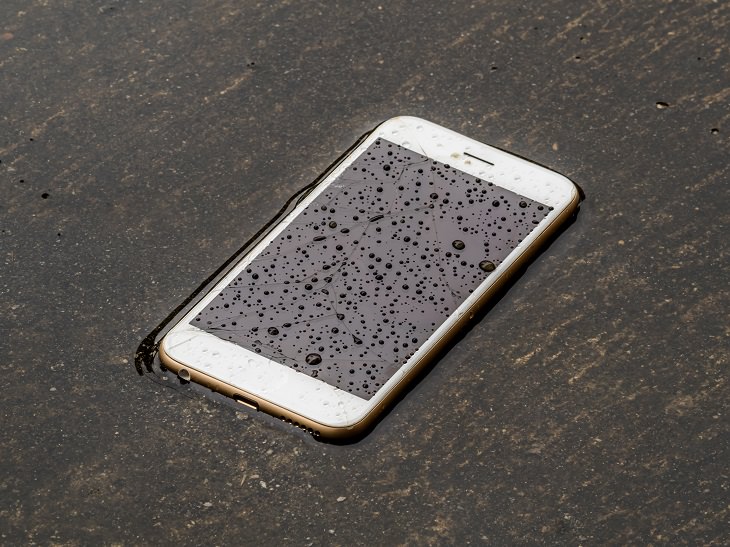
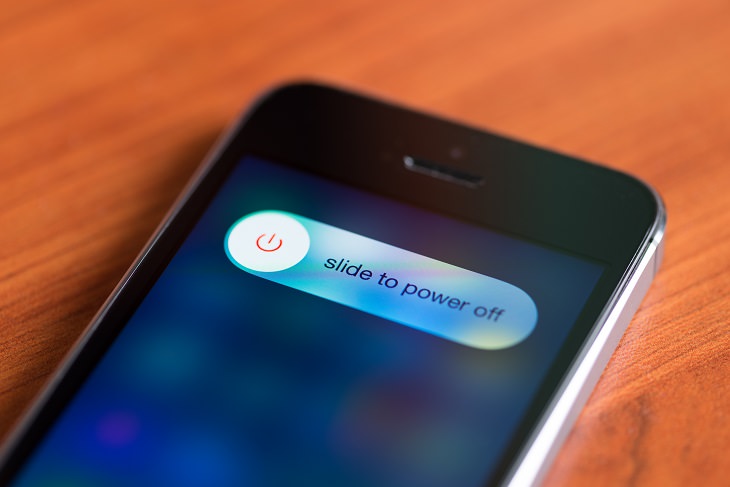
Once you are done with the outside remove any cases, covers or shells the phone might have, and then remove the battery and the SIM card. Dry them using a dry towel the same way as you did the outside.
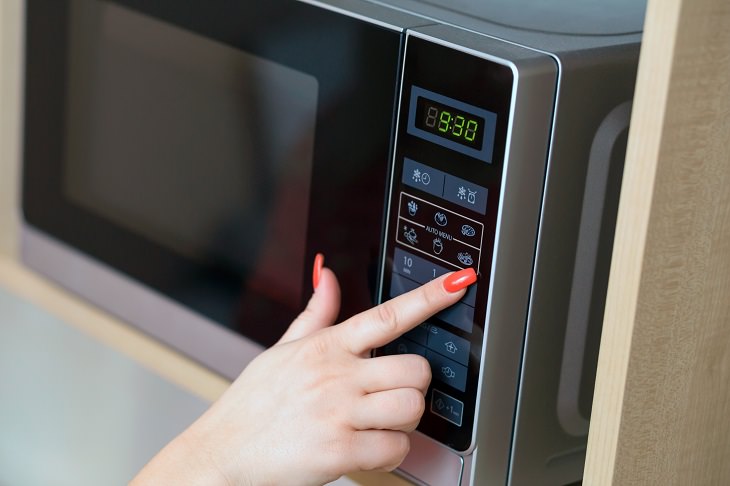
Now before we get to the next step on how to dry your phone, I want to go over some of the worst ways to do it. Though they may dry your mobile device, they will destroy it at the same time. Never use any of these methods to dry your phone: Don't blow on it with a hairdryer, place it on or under an oven, or put it in the microwave.


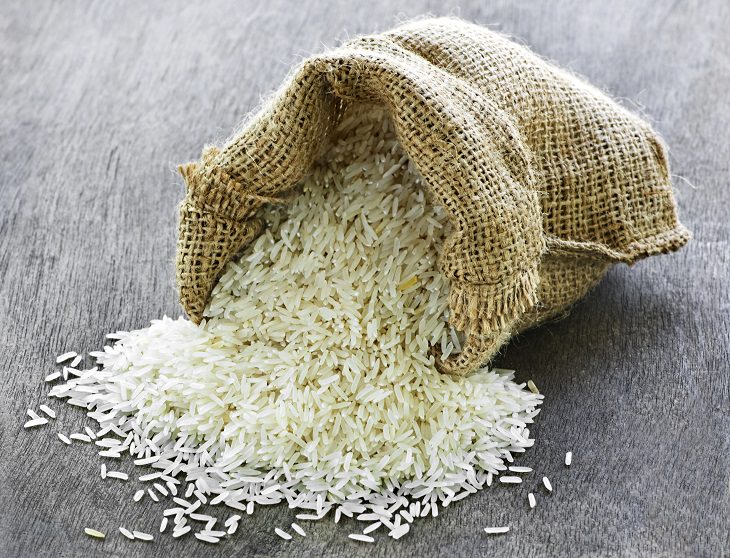
The ideal time to leave your phone like this may change depending on how wet it got. The safest thing is to leave it in the rice overnight but in some cases even six hours will do. When you take the phone out, gently clean it with a soft brush or a vacuum cleaner, put all the parts back together and turn it on.
While it might not always work if your phone gets too wet, or stays in the water for too long, it's still the best and safest way to dry it. Be sure to open the case from time to time after you get it working again to check for any possible corrosion. If your phone still doesn’t work go to a repair lab and hope that the electronic parts that were damaged can be replaced.
Good luck!

Check Out These 7 Super Useful Phone Tricks!
Here are 7 lesser-known smartphone tricks that will make your life a lot easier!
Want to Buy a Smart Speaker? This Guide Will Help You!
Are you interested in buying some smart speakers but not sure what ones to purchase? This is where this guide comes in handy!
Read Our Comprehensive Guide to Using Google Translate
Of the many Google tricks out there, Google translate is by far one of the most useful. Read this free guide to learn exactly how to make use of it.
Discover the Effects of Drinking Dirty, Contaminated Water
How safe is it to drink contaminated water? Find out here.
No More Rice Bowls! Four Ways to Salvage a Wet Phone
Getting your phone wet can be stressful, so here are four tips on how to save it from water damage, from tech experts (there is no rice involved...)
These Remedies That Get Rid of Facial Hair Actually Work!

Got excess facial hair? Here are 7 natural remedies to remove it.
Privacy Settings You Should Change in Chrome Right Now
These Chrome settings should always be disabled.
Losing Important Emails? Here’s How to Tidy Up Your Gmail
A helpful guide to setting up Gmail filters to prevent emails from getting lost or spam overflowing your inbox.
Not Sure What to Watch Next? Try These 8 Helpful Sites
Not sure what to watch next? Try these helpful sites.
How to Solve Windows 11's Most Annoying Errors
In this article, we’ll explain the frequent problems people run into on Windows 11 and walk through easy, no-fuss fixes.
9 Warning Signs You're Dealing with a Social Media Scam
Don’t fall for these common social media scam ads.
Skype Is Shutting Down – Try These Alternatives Now
With Skype officially retiring, here are some handy alternatives you should try.
Gboard Secrets: 7 Handy Features You're Not Using Yet
Make the most out of Gboard with these awesome tips and tricls.
The Most Amazing Websites for Learning Languages for Free
Learn any language for free with these amazing websites!

10 Popular Tech Myths You Need To Stop Believing Now
Here we bust some popular and common myths about everyday tech that people still believe in.
12 Amazing Internet Radio Stations to Spice Up Your Day!
Check out these 12 fantastic internet radio stations.
15:16
Get Smarter: How Do Hard Drives Work?
How do hard drives built and how do they work? All is explained in this video.
2025's Online Threats Will Be More Sophisticated Than Ever
A look at the cyber scams that you need to be wary of this year.
5:23
Phone Security– The Fastest Way to Secure a Hacked Phone
This guide helps you in checking for hackers on your phone, removing them, and locking down your phone.
Best ChatGPT Prompts for 2024
Let's explore some great prompts you can start with on your AI adventure, either for fun or for productivity or knowledge.
Computer Tips: All You Can Do With the CTRL/Control Key!
The control key has more uses than just copying and pasting. These are the 20 more useful keyboard shortcuts you can do with the control key.
Do You Know How to Act in a Medical Emergency?
Don't feel powerless in a medical emergency, learn what actions to take in these 10 serious medical emergencies and how to save lives
12:38
Skype is Dead: 9 Features of Microsoft Teams
These nine lesser-known tools are a must for any Microsoft Teams user.
The Most Reliable Cloud Storage Services for 2025
Here’s a closer look at some of the best cloud storage services to consider in 2025.
How to Download Free Windows Software Securely – 7 Tools
Here’s how you can download free Windows software safely and securely.
5 Things to Never Store on Your Smartphone
Stop using your smartphone as a master repository for saving all kinds of information. It may be dangerous...
Do This to Your Router to Increase Internet Speed
Want a faster and safer internet connection? Then do this to your router...
Don't Charge Your Phone Over 80%, Here's Why
There is truth to the no-overnight-charging rule, and there is also some science to back it up.
3:35
Want to Increase Your iPad Keyboard Size? Watch This Guide
Want to increase the size of your iPad? Watch this tutorial now…
10 Free Ancestry Sites for Tracing Your Family History
Here are 10 of the best free ancestry sites that can help you uncover your family’s story.
23:04
ChatGPT: 30 Tips to Using and Working with the AI
In this video, we’re breaking down 30 practical tips to help you use ChatGPT more effectively
All You Need to Know About Your Computer
It's that age of computers, and we should all educate ourselves so we all save ourselves time and anxiety when using a computer, a tablet or a phone. This collection of posts will give you insight into many computer-related issues.
2:09
Guide: Download Netflix Videos on Any Laptop & PC
Want to watch your favorite Netflix content offline? This easy guide has you covered.
Do You Eat Out Often? These 7 Apps Will Save You Money!
If you’re struggling to keep up with your monthly food budget, you’re not alone. Here are 7 dinning apps that will save you money every time you eat.
10 Warning Signs You’re About to Fall for a Fake Ad
Thse are 10 red flags that should make you pause before clicking on a social media ad.
Fed Up With Spotify? Try These Alternatives for Free Music
Here are eight of the best platforms where you can listen to music online without spending a dime.
7:38
Most People Don’t Know About These Google Maps Features
Google Maps has a ton of new features that most people don’t know about.
If You Do This, Then You Could Be Damaging Your Phone...
Many people end up damaging their phones without even realizing that they are doing so, and here are 9 of the most common ways this happens.
You Didn’t Realize it, But AI Is Making Your Life Better!
Here are thirteen unique ways AI can simplify daily life.
15:24
15 Tech Hacks That Will Make Your Life Way Easier
These practical tips are designed to improve your daily tech experience.
Here’s Where You Can Watch Classic Movies for Free!
Want to watch free classic movies? Check out these sites and apps.
17:20
Discover a Feature of Windows That's Super Helpful
Learn how to use some advanced new features of Windows 10 that you probably weren't aware of.
Making These Email Mistakes Comes Off As Rude or Annoying
When sending an email, the last thing you want is to come off as impolite or annoying. Here are 5 common email mistakes to avoid.
We Found These Awesome Sites for Reading Short Stories!
These are the best places to read short stories online.
2:35
6 Simple Tips for Taking Screenshots on Windows
Taking screenshots on Windows is now super easy. Just note these tips.
Busting 12 Password Myths to Safeguard Your Online Life
Don’t fall for these common password myths.
Stop Paying For Software: 8 Free Productivity Options
Here are eight free open-source alternatives that can take the place of paid productivity apps without sacrificing quality or functionality.
To enable your Ad-Free Subscription, please fill the fields below
Your subscription was successful, now you can enjoy an ad-free experience!! Note: To make sure you get no ads, please make sure to log in to your account. If you are logged in already, then refresh the page. The subscription can be cancelled at any time.